











Your New Kukirin Scooter – Unboxing, Setup & First Ride Guide


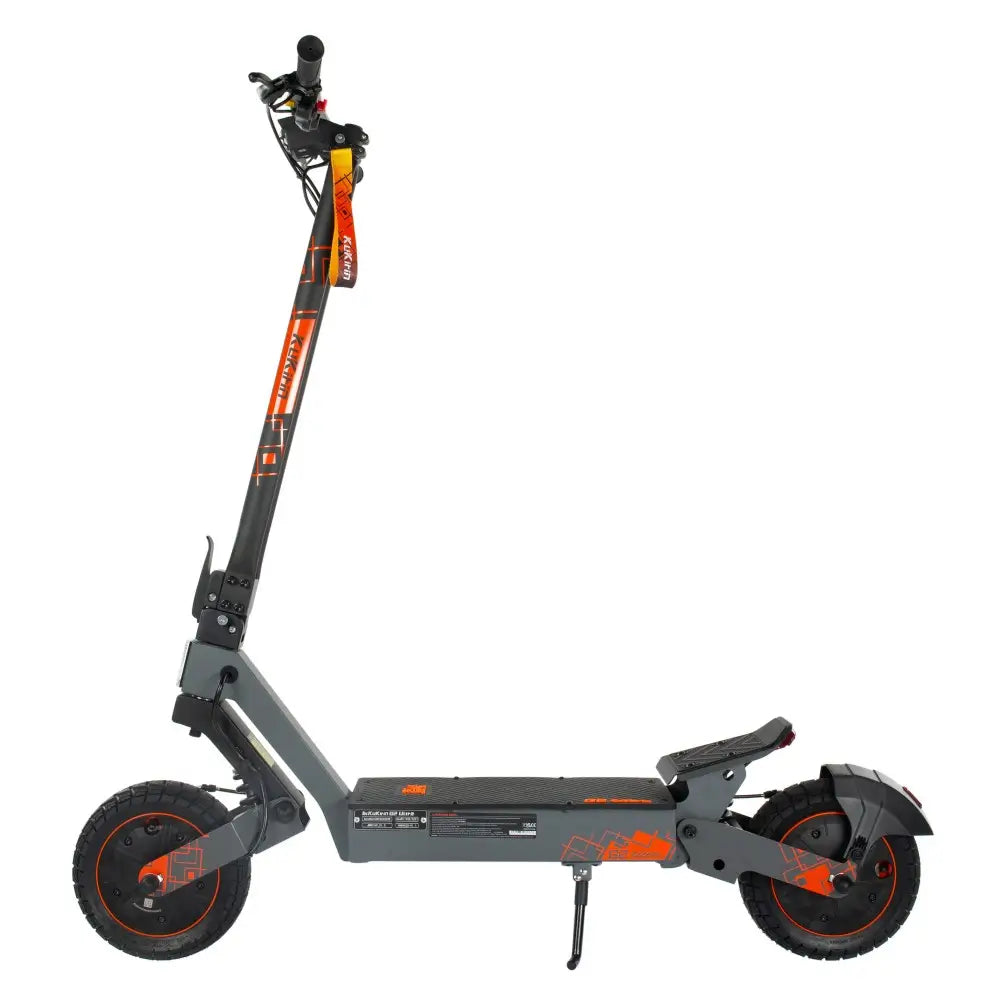
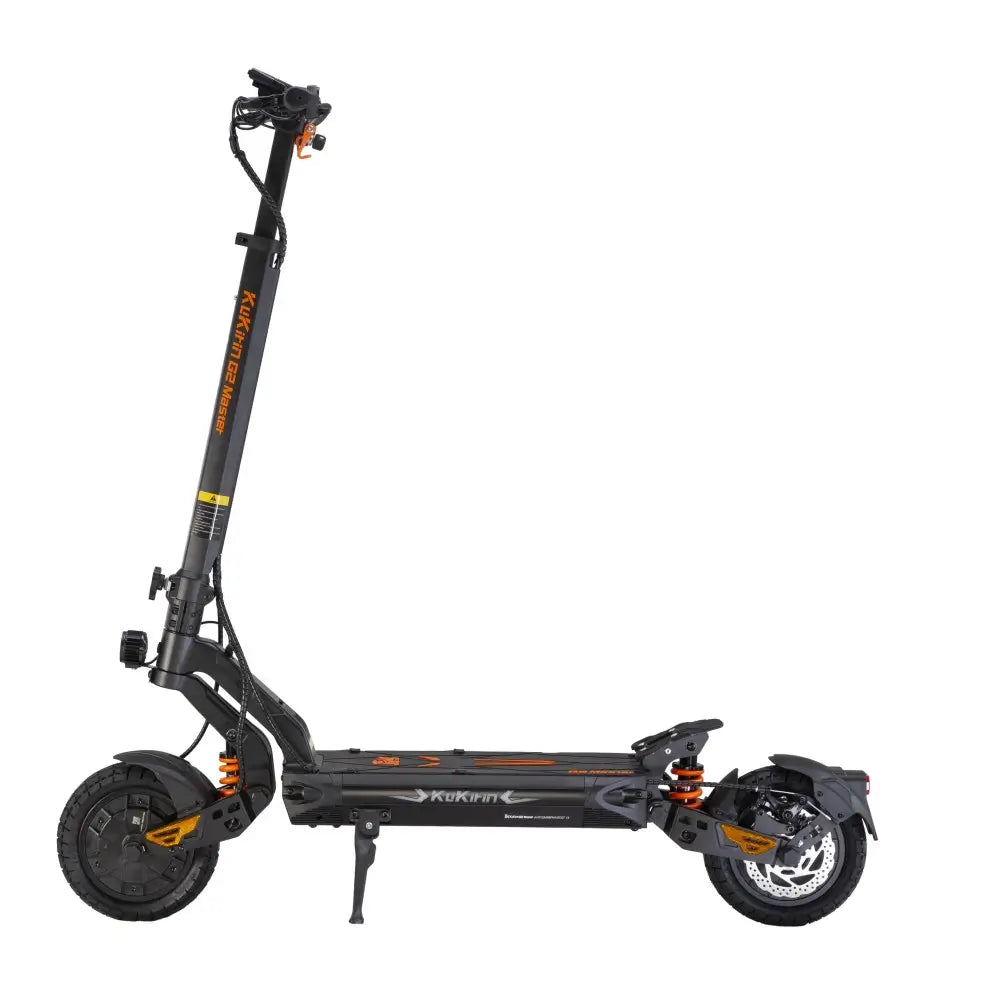
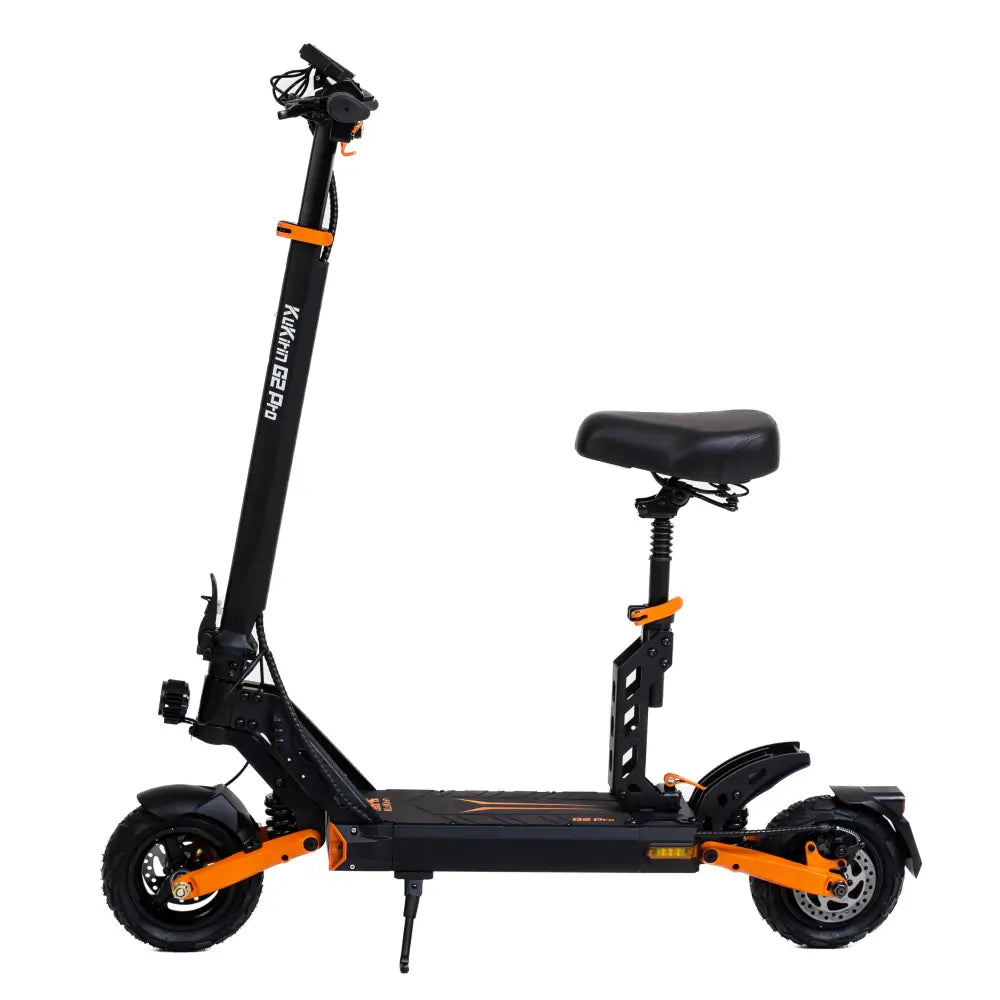
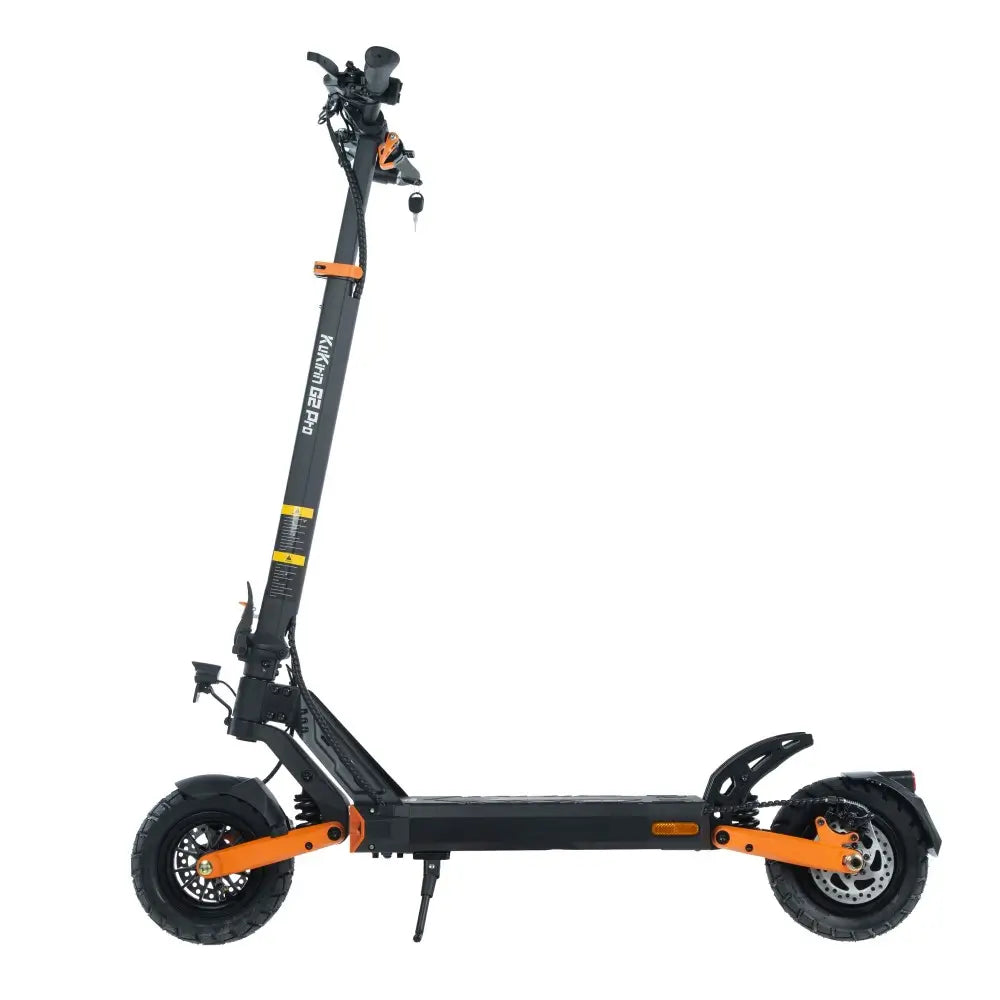
Congratulations on your new Kukirin electric scooter! Whether you've chosen the urban-ready G2 Master, the off-road capable G4, or the design-focused G2 Ultra, you're about to experience one of the most exciting forms of personal transport available.
But before you hit the road, let's walk through the unboxing, setup, and first-ride process. This guide will help you get from box to first ride in about 30 minutes—safely and confidently.
What's in the Box?
Your Kukirin scooter arrives in a sturdy, compact package designed to protect it during shipping. Inside, you'll find:
-
The scooter (folded)
-
Charger (specific to your model's voltage)
-
Tool kit (for assembly)
-
User manual (with specifications and safety information)
-
Warranty card
-
Any additional accessories (varies by model)
If anything is missing or damaged, contact Kukirin UK support immediately. Our UK-based team can resolve issues quickly.
Step 1: Unboxing Your Scooter
What You'll Need
-
A clean, flat surface (a floor or large table works well)
-
Scissors or a box cutter (be careful not to scratch the scooter)
-
A friend to help (optional but helpful, as scooters can be heavy)
Unboxing Tips
-
Open the box carefully – Cut along the tape, not into the box, to avoid damaging the contents.
-
Remove packaging materials – Foam inserts and plastic wrap protect the scooter during transit. Keep them until you've confirmed everything works.
-
Lift the scooter out – Scooters like the G4 weigh around 35kg, so lift with your legs, not your back. If needed, ask for help.
-
Inspect for damage – Check the frame, handlebars, tires, and display for any signs of shipping damage.
Note: If you notice significant damage, stop and contact Kukirin UK support before proceeding.
Step 2: Assembling Your Scooter
Most Kukirin scooters arrive nearly fully assembled. You'll typically need to:
1. Unfold the Scooter
-
Locate the folding mechanism (usually near the base of the stem).
-
Release the locking latch and lift the stem until it clicks into the upright position.
-
Secure the latch to lock the stem in place.
For models with the one-key folding mechanism (like the G2 Ultra), this process takes just seconds.
2. Attach the Handlebars
-
Align the handlebar assembly with the stem.
-
Tighten the bolts using the provided tool kit.
-
Check that the handlebars are secure and don't rotate freely.
3. Check the Display and Controls
-
Power on the scooter to ensure the display lights up.
-
Test the throttle, brakes, and lights.
-
Familiarize yourself with the speed modes and any smart features.
4. Adjust the Handlebar Height (If Applicable)
-
Some models allow handlebar height adjustment.
-
Find a comfortable position—typically around hip height for most riders.
Step 3: Charging Your Scooter
Before your first ride, charge the battery fully.
Charging Steps
-
Locate the charging port – Usually on the side of the deck or near the stem.
-
Plug the charger into the scooter first, then into the wall outlet.
-
Check the indicator light – Red usually means charging; green means fully charged.
-
Charging time:
-
G2 Master: approximately 7-8 hours
-
G4: approximately 10-11 hours
-
G2 Ultra: approximately 9-10 hours
-
-
Unplug when fully charged – Avoid leaving it plugged in for extended periods.
Charging Safety Tips
-
Charge in a cool, dry place (15-25°C is ideal).
-
Don't charge immediately after a ride—let the battery cool for 30 minutes.
-
Use only the official charger provided with your scooter.
Step 4: Pre-Ride Safety Checklist
Before your first ride, run through this checklist:
| Check | What to Look For |
|---|---|
| Tires | Correct pressure, no damage |
| Brakes | Responsive, not rubbing |
| Throttle | Smooth response |
| Lights | All working (headlight, brake light, turn signals) |
| Display | Clear, all functions working |
| Folding Mechanism | Locked securely |
| Bolts | Tight (especially handlebars and stem) |
| Battery | Fully charged |
If anything seems off, consult your user manual or contact Kukirin UK support.
Step 5: Your First Ride
Finding a Safe Place to Practice
Before venturing onto busy streets (where legally permitted), practice in a safe, open area:
-
An empty car park
-
A private driveway or garden
-
A quiet park path (check local rules)
Getting Comfortable
-
Start in a low speed mode – Most scooters have ECO or low-speed settings. Begin there.
-
Practice starting and stopping – Get a feel for the throttle and brakes.
-
Try turning – Practice gentle turns at low speed.
-
Test the brakes – Familiarize yourself with braking distance.
-
Gradually increase speed – As you gain confidence, move to higher speed modes.
Riding Tips for Beginners
-
Keep both hands on the handlebars – Especially while learning.
-
Look ahead – Scan the road for obstacles, pedestrians, and vehicles.
-
Lean into turns – Shift your weight slightly to help the scooter turn smoothly.
-
Brake early – Give yourself plenty of stopping distance.
-
Wear a helmet – Always. Even for short rides.
Step 6: Understanding Your Speed Modes
Kukirin scooters typically offer three speed modes. Here's how to use them:
| Mode | Typical Speed | Best For |
|---|---|---|
| ECO | 25 km/h | Crowded areas, learning, maximizing range |
| Sport | 35-40 km/h | Open roads, commuting |
| Race/Turbo | 50-70 km/h (model dependent) | Private land, experienced riders, open stretches |
Tip: Start in ECO mode and gradually move up as you become more comfortable.
Step 7: Connecting Smart Features (If Applicable)
Some Kukirin models, like the G2 Ultra, come with smart features:
-
Bluetooth speakers: Pair with your phone to stream music or navigation.
-
Touch display: Customize settings and monitor ride data.
-
App connectivity: Some models offer app-based features.
⚠️ Important Safety Notice: Kukirin currently has no official mobile app. Do not download or use unauthorized third-party applications (including "Manager for Kukirin") to connect to or modify Kukirin products. Only use features built directly into the scooter.
Step 8: Registering Your Warranty
To ensure your warranty is valid:
-
Keep your receipt – Proof of purchase is required for warranty claims.
-
Fill out the warranty card – If provided in the box.
-
Register online – Check your user manual or the Kukirin UK website for registration details.
All Kukirin scooters purchased from Kukirin UK come with a 1-year warranty and UK-based support.
Maintenance After Your First Ride
After your first few rides, do a quick check:
-
Clean your scooter – Wipe down with a damp cloth (avoid direct water spray).
-
Check tire pressure – Especially after the first few rides.
-
Inspect brakes – Ensure they're still responsive.
-
Recharge the battery – Don't let it sit depleted for long periods.
For more detailed maintenance tips, see our new arrivals collection and product pages.

FAQ – Your Kukirin Setup Questions Answered
1. How long does assembly take?
Most Kukirin scooters can be assembled in 10-15 minutes. Unfolding, attaching handlebars, and tightening bolts are the main steps.
2. Do I need tools?
A basic tool kit is included with your scooter. You typically only need to tighten a few bolts.
3. How long should I charge before the first ride?
Charge until the indicator shows full—usually 7-10 hours depending on the model.
4. What should I do if something is missing or damaged?
Contact Kukirin UK support immediately. We'll resolve the issue quickly.
5. Can I ride my scooter immediately after charging?
Yes, but let the battery cool for a few minutes if it's warm from charging.
6. Where can I find my scooter's user manual?
A printed manual is included in the box. Digital versions may be available on the product page.
7. How do I contact Kukirin UK support?
Visit our website or check your warranty card for contact details. Our UK-based team is ready to help.
Conclusion – From Box to First Ride in 30 Minutes
Unboxing and setting up your new Kukirin scooter is a straightforward process. Within half an hour, you can go from opening the box to enjoying your first ride.
Remember:
-
Safety first – Always wear a helmet and start in low-speed modes.
-
Charge fully – Before your first ride.
-
Check everything – Tires, brakes, lights, and bolts.
-
Practice in a safe area – Before heading into traffic.
Welcome to the Kukirin family. We're excited to have you on board.
Need help or want to explore more models?
Visit Kukirin UK →
Browse new arrivals →
View shipping policy →
Leave a comment