










UK Rider’s Handbook: Mastering the KuKirin G2 Display & Controls

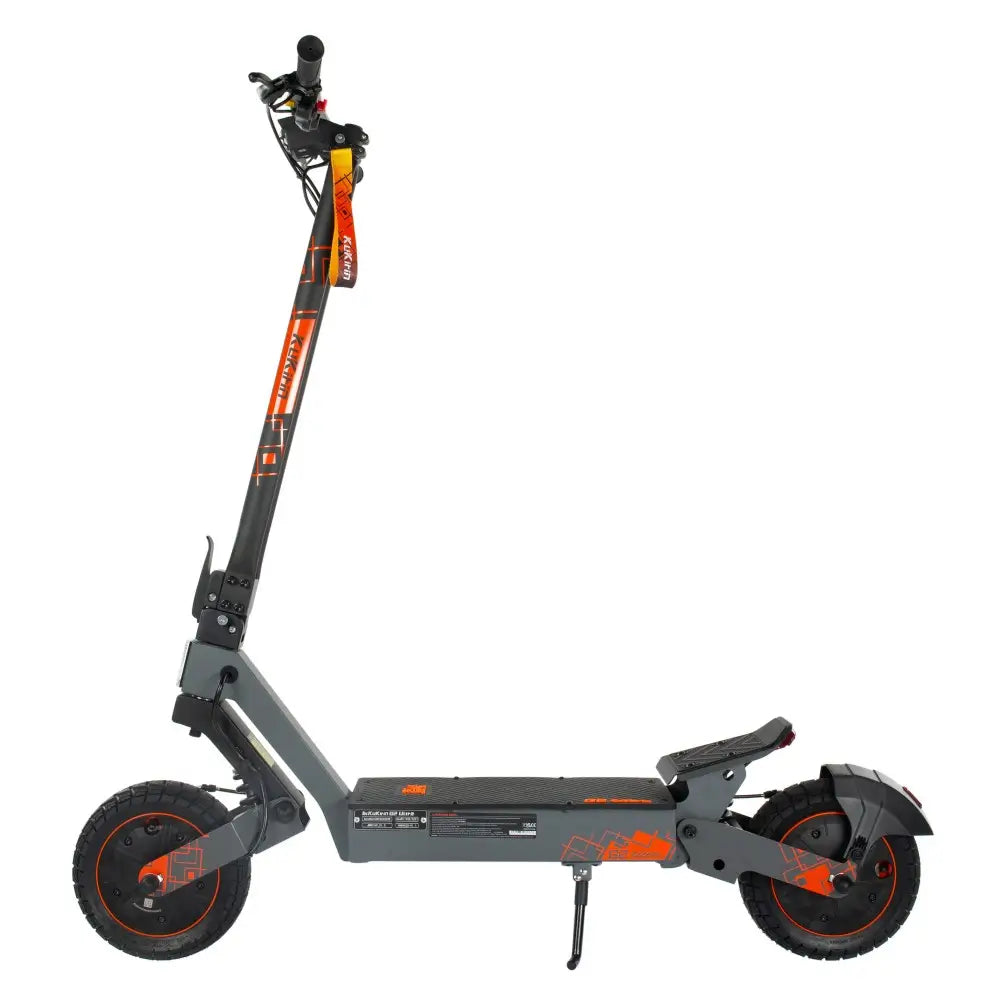
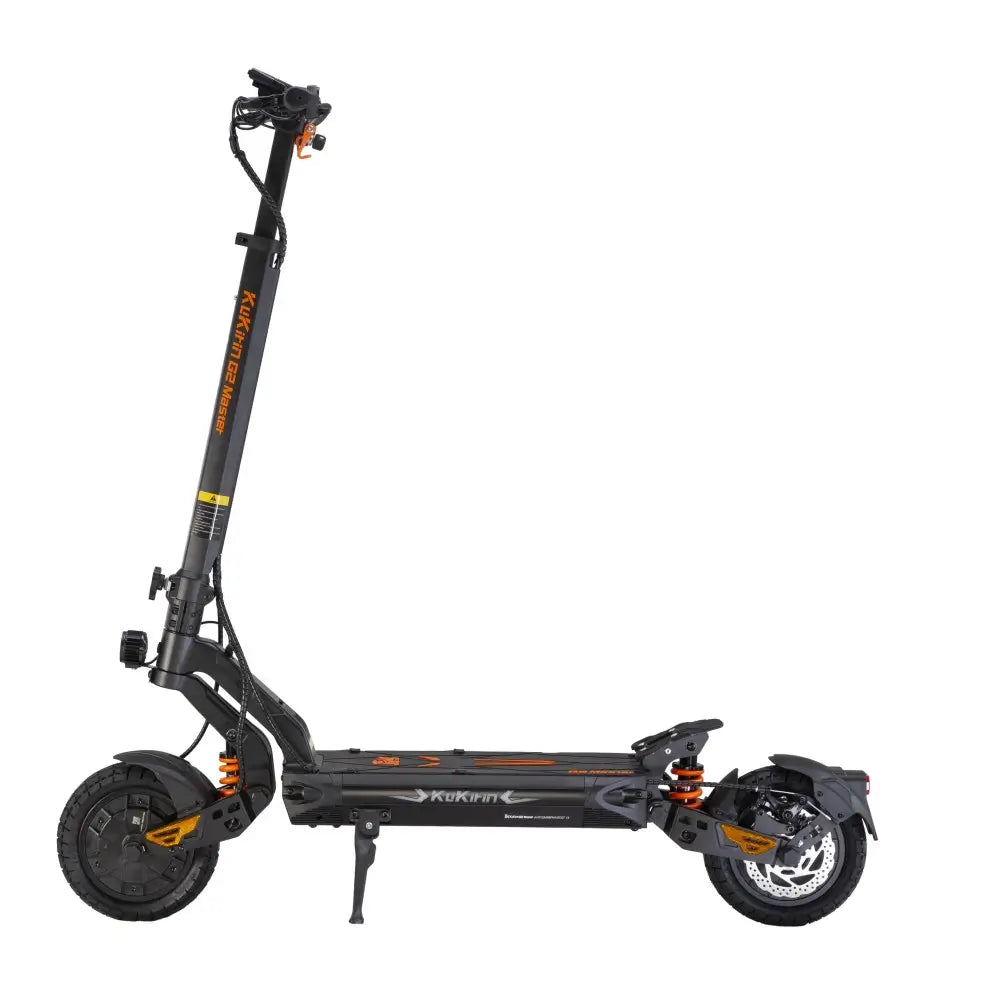
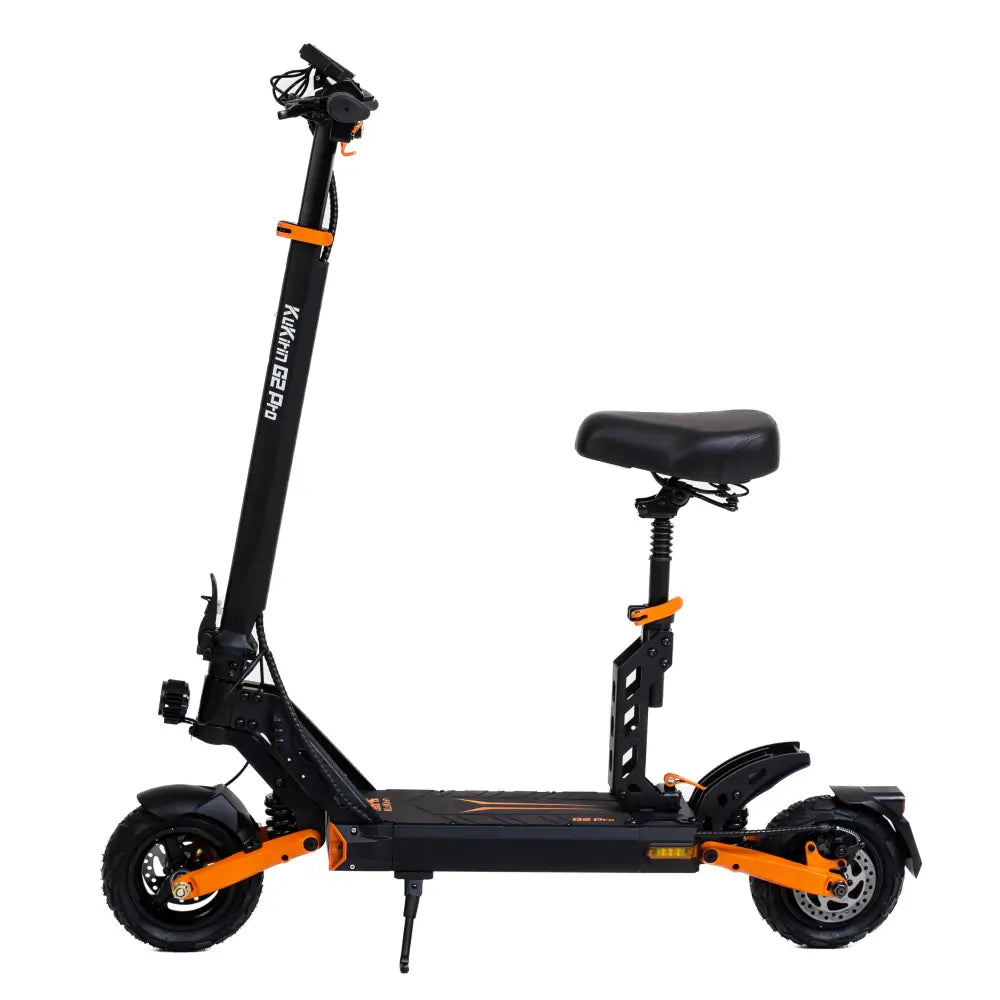
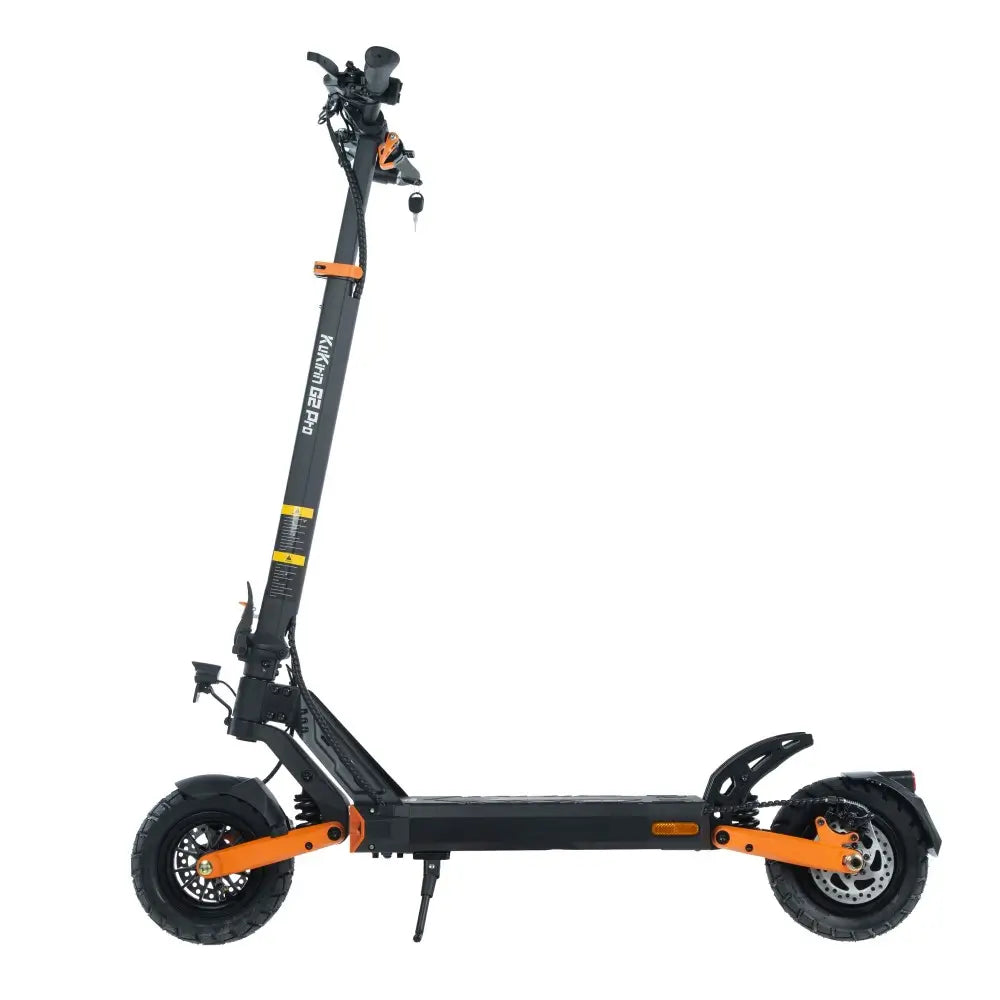
Alright, UK riders – let’s talk about the KuKirin G2. You’ve got one of the most feature-packed scooters on the market, complete with a smart touch display that sets it apart from the crowd.
But here’s the thing: riding an e-scooter on UK roads comes with strict rules. Private e-scooters are currently only legal on private land, but rental schemes aside, knowing your scooter’s settings keeps you safe, extends battery life, and prepares you for future regulation changes.
This guide walks you through every button, swipe, and setting on your KuKirin G2.
1. Meet Your Dashboard: A Touchscreen First
Unlike most scooters that rely on physical buttons only, the KuKirin G2 features a high-definition intelligent touchable display. According to the manual, this screen gives you:
-
Real-time speed (km/h or mph)
-
Battery level (remaining capacity)
-
Trip mileage & odometer
-
Current riding mode (Eco/Sport)
UK Tip: Always keep your display clean and dry. Wet fingers can interfere with touch sensitivity – especially important during British drizzle.
2. Powering Up & Basic Controls
Before you ride, you need to know the start sequence:
-
Turn the key to activate the main circuit.
-
The display wakes up – if not, press the multi-function button once.
-
The scooter is now ready.
Key Touch Buttons (From the Manual)
| Button | Function |
|---|---|
| Set | Tap to switch between km/h and mph (essential for UK). Long press to toggle Zero Start / Non-Zero Start. |
| Mode | Tap to switch riding modes (1/2/3). Long press to turn Cruise Control on/off. |
| Light | Tap to turn headlight on/off. |
| Multi-function | Single click: wake up / light on-off. Double click: switch riding mode. |
Physical Controls
-
Turn signal switch: Left/right indicators (great for roundabouts).
-
Horn button: Press to sound horn – use responsibly.
3. Speed Modes & UK Compliance
The KuKirin G2 is powerful – but with great power comes great responsibility. The manual lists three speed modes (under 65kg load, top speed reaches 45km/h, which is 28 mph – well above UK rental limits).
Use the Mode touch button to cycle through:
-
Mode 1 (Eco – ~15 km/h / 9 mph): Ideal for private land, learning, or maximising battery range.
-
Mode 2 (Standard – ~25 km/h / 15.5 mph): This matches the UK rental e-scooter speed limit. If you’re riding on private property with permission, this is your safest legal reference.
-
Mode 3 (Sport – up to 45 km/h / 28 mph): For private land only. Never use this on public roads or pavements.
UK Law Reminder: Private e-scooters cannot currently be used on public roads, cycle lanes, or pavements. Only government-approved rental schemes are legal in public spaces. Always ride on private land with the landowner’s permission.
4. Zero Start vs. Non-Zero Start (Safety First)
This is a crucial setting for beginners. You can change it by long-pressing the Set button.
-
Non-Zero Start (Recommended for UK beginners): The motor only engages after you kick off to a few km/h. Prevents accidental throttle jerks.
-
Zero Start: Throttle works immediately. Only use this if you’re an experienced rider on open private land.
Why it matters: Accidental acceleration at traffic lights (or driveways) is a common cause of falls. Non-zero start is safer.
5. Cruise Control: For Long Private Runs
If you have a long stretch of private land – say a farm track or large estate – cruise control saves your thumb.
To activate:
-
Hold a steady speed for 5–8 seconds.
-
Long press the Mode button.
-
The scooter maintains speed without throttle input.
To disengage: Tap the brake, press the throttle, or press Mode again.
UK Tip: Never use cruise control on uneven ground or near pedestrians.
6. Unit Switching: km/h vs. mph
Since you’re in the UK, you might prefer miles per hour. Here’s how to switch:
-
Tap the Set button repeatedly until the unit changes.
-
The display will toggle between km/h and mph.
Make sure you know which unit you’re looking at – 25 km/h is about 15.5 mph.
7. Turn Signals & Lights (Visibility Matters)
The G2 comes with a full 7-light system, including front headlight, rear brake light, and left/right turn signals.
-
Turn signals: Use the physical switch left/right. The display icon will flash.
-
Horn: Press the horn button – essential for alerting others on private land.
UK Weather Reminder: Even on private land, visibility is key. Use your headlight in low light or rain.
8. Troubleshooting Error Codes (Quick Reference)
If your G2 display shows an error, don’t panic. The manual provides this cheat sheet:
| Code | Meaning | Quick Fix |
|---|---|---|
| E0 | Wheel blocked | Check for debris, restart. |
| E2 | Under-voltage | Battery low – charge immediately. |
| E3 | Controller failure | Replace controller (contact support). |
| E4 | Throttle fault | Unplug throttle terminal, restart. |
| E5 | Brake fault | Unplug brake terminal, restart. |
| E7 | Hall sensor fault | Check 3-phase wires / replace motor. |
If you see E1 (Overpressure) or E6 (Serial communication fault), contact KuKirin support – these require part replacement.
9. Folding & Carrying (For Storage)
The G2 folds down to 1258×660×540mm and weighs about 26 kg.
To fold:
-
Release the folding safety device.
-
Press the folding pin.
-
Lower the steering lever and hook the locking strap to the rear pedal base.
To unfold:
-
Remove the locking sleeve from the rear pedal.
-
Pull the riser up.
-
Push forward firmly until it clicks.
This makes storage in a car boot or shed easy.
Quick Pre-Ride Checklist (UK Private Land)
Before every ride on private property, glance at your G2 display:
-
Unit: km/h or mph – are you reading it correctly?
-
Mode: Is it in Mode 1 or 2 (safe speeds)?
-
Lights: Headlight on if visibility is poor.
-
Battery: Enough charge for your session?
-
Start mode: Non-zero start for beginners.
Final Word
The KuKirin G2 is an impressive machine with smart touch controls, cruise control, turn signals, and a clear display. But remember: UK law currently prohibits private e-scooters on public roads, cycle lanes, and pavements. Always ride on private land with permission, wear a helmet and protective gear, and respect safety guidelines.
Master your display, ride responsibly, and enjoy the ride – the right way.
Stay safe, UK. And always wear a helmet.
Leave a comment