

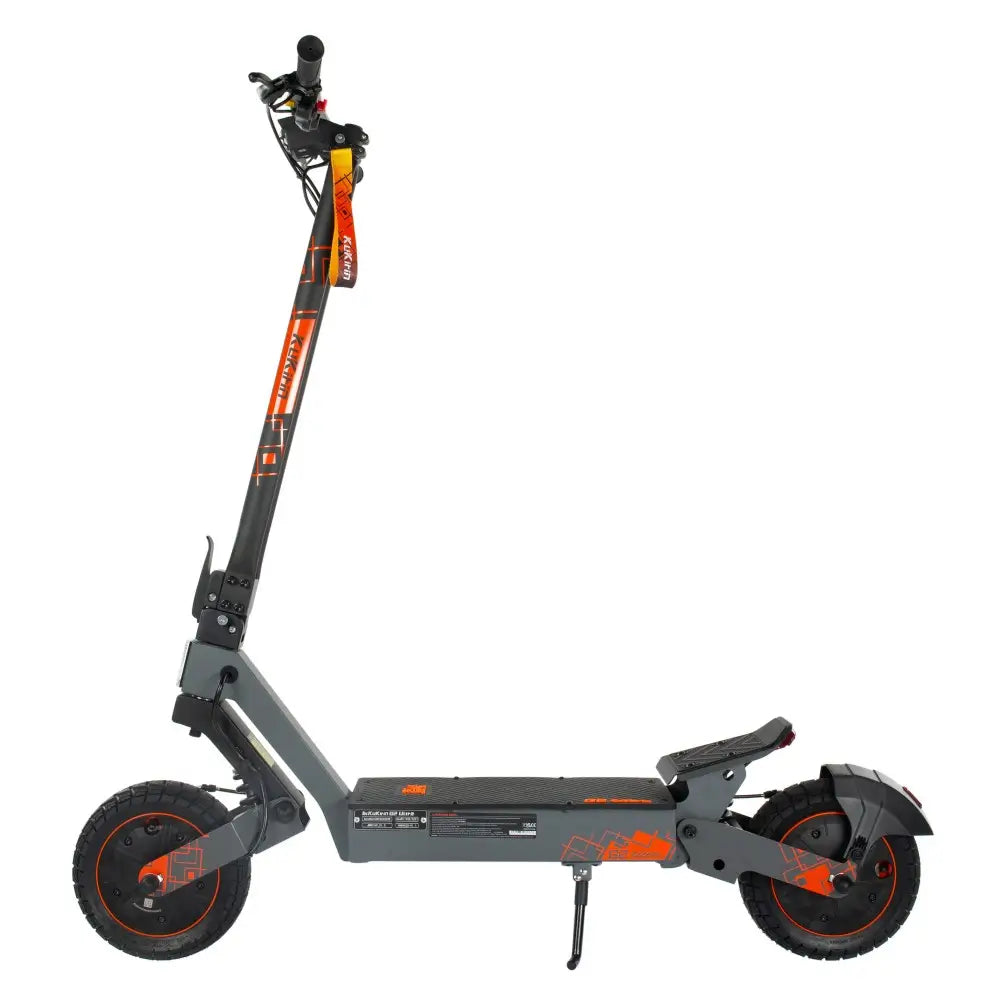

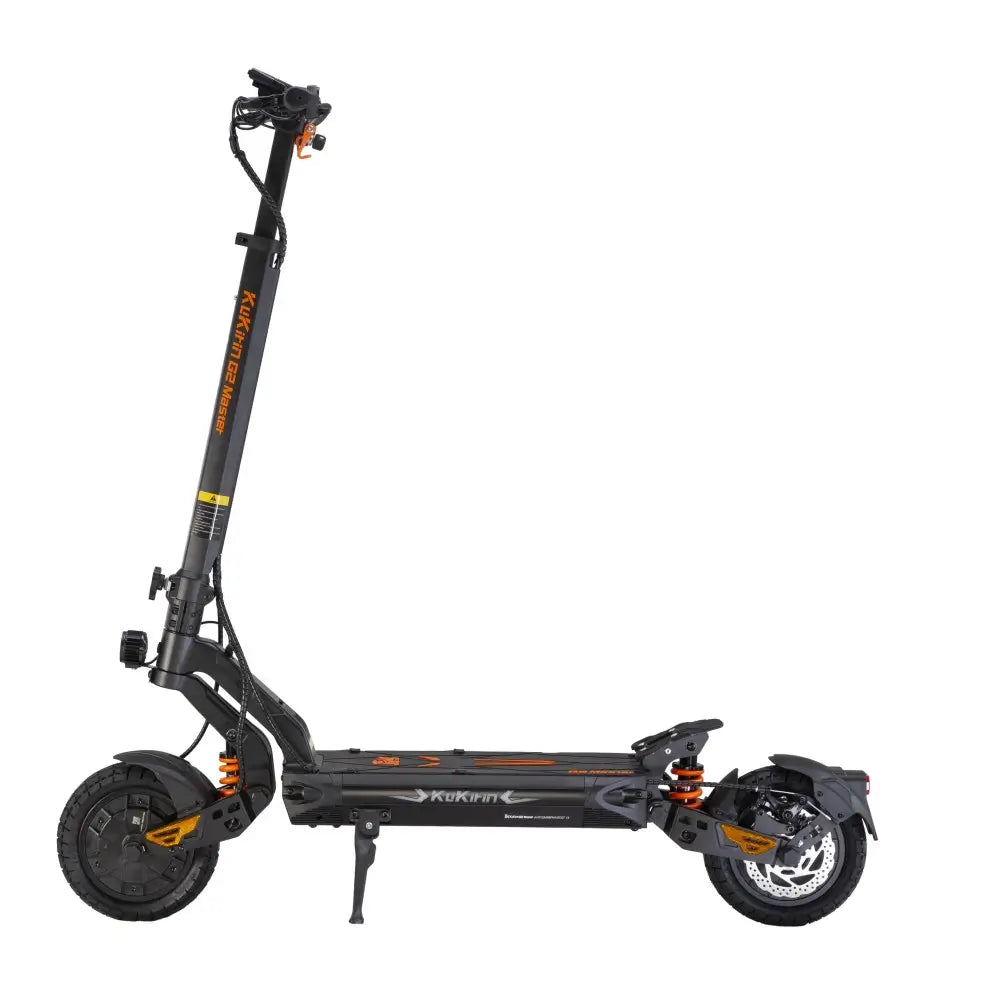


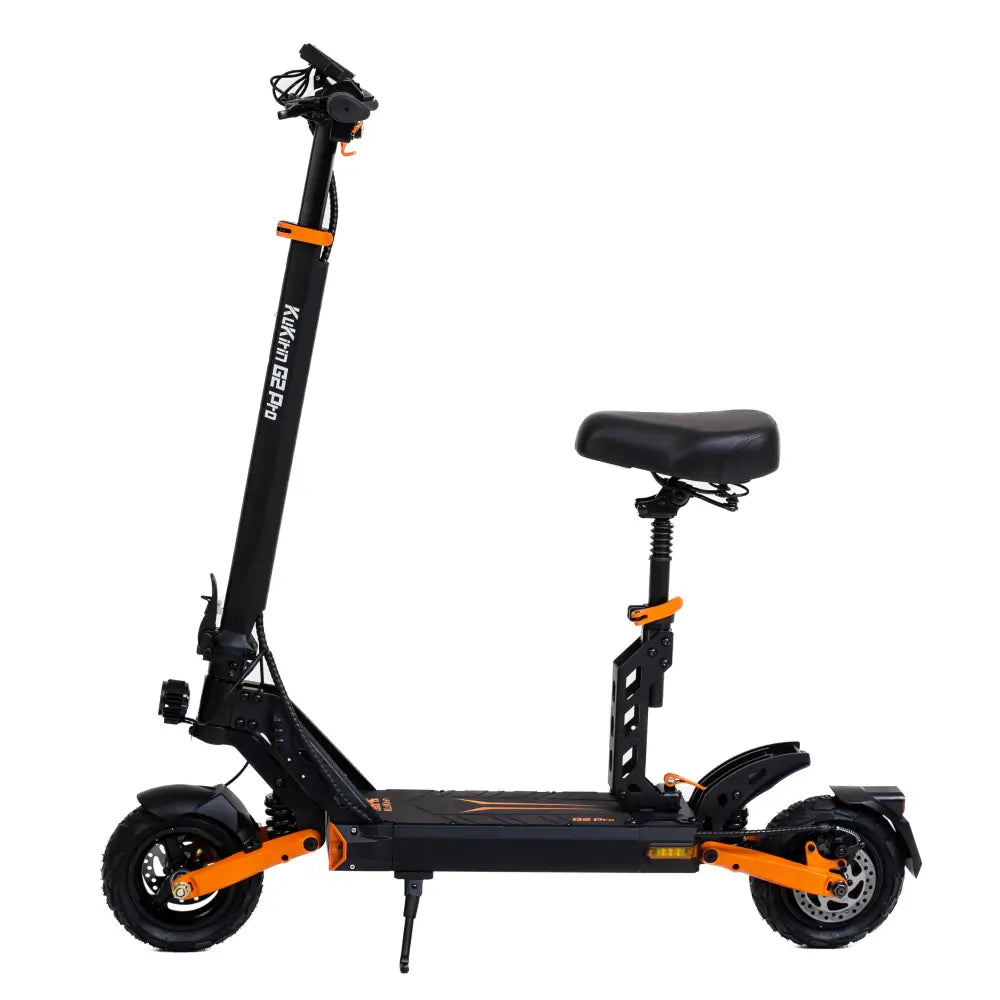

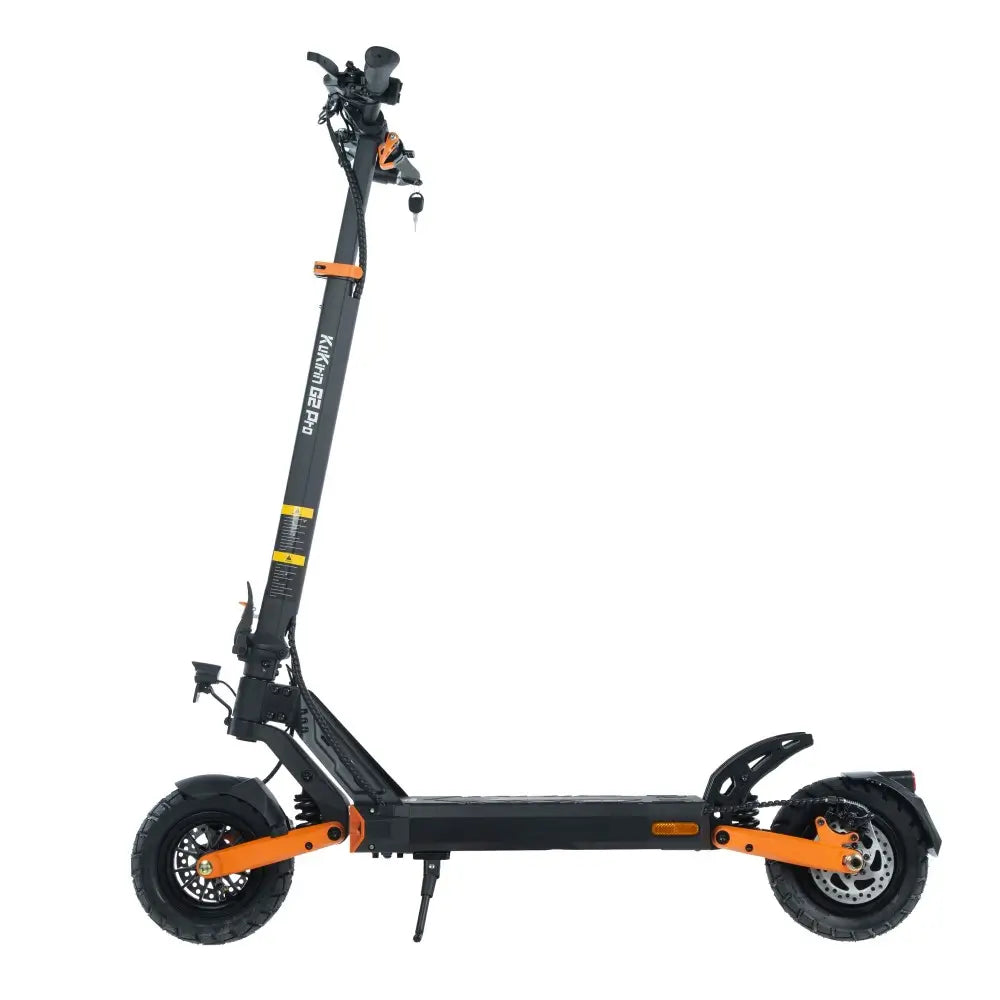

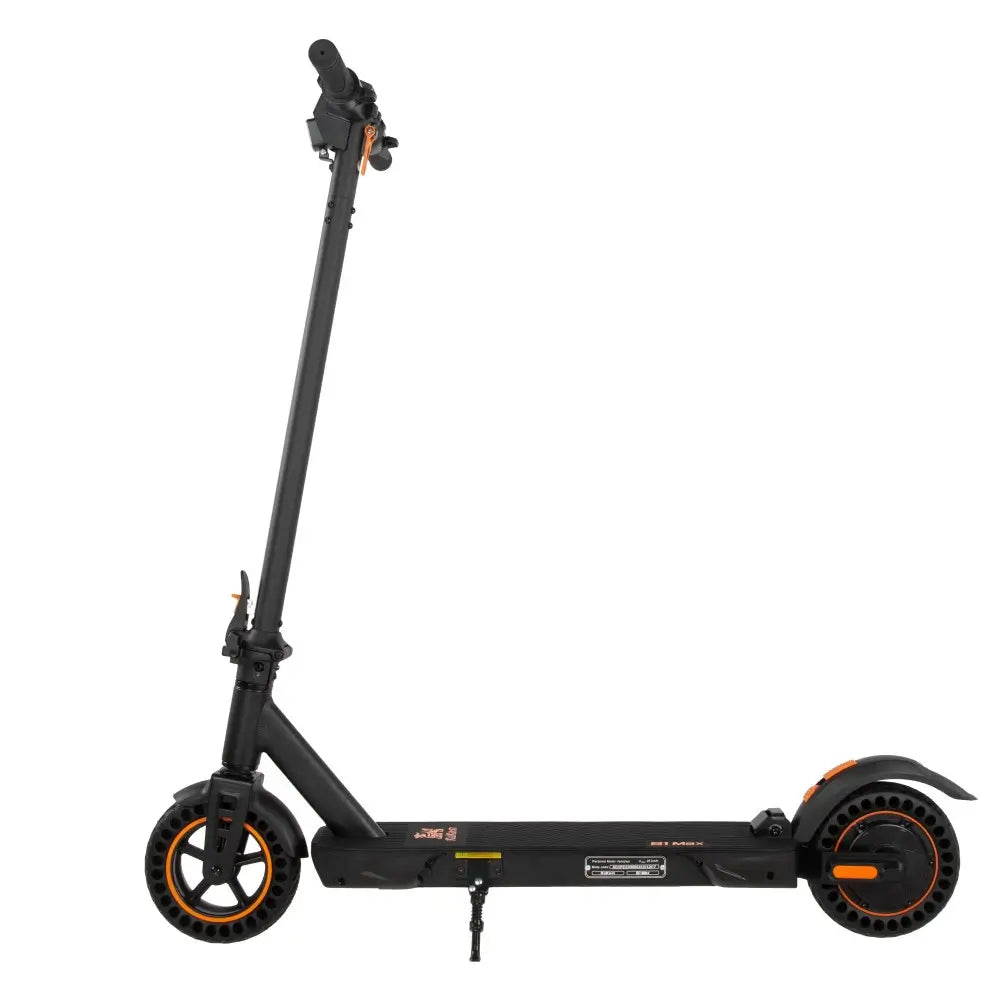






Mastering Your KuKirin A1: Dashboard Settings, Compliance, and Performance Tuning

Unlock the full potential of your KuKirin A1 E-Scooter with this deep dive into the instrument panel.
Congratulations on your new KuKirin A1. Whether you are commuting through the busy streets of London or enjoying a leisurely ride in the countryside, understanding your scooter’s display and settings is crucial.
The KuKirin A1 is a powerful machine, but to get the best (and safest) performance—specifically here in the UK—you need to know how to talk to it. This guide explains every icon, button combination, and hidden menu on your A1 to help you stay legal, extend your battery life, and master the ride.
UK Legal Reminder: In the UK, private e-scooters are currently legal to own but have strict usage laws on public roads. The legal power output is typically 500W max, and the speed limit is 15.5 mph (25 km/h) . Always ride responsibly and check local bylaws.
1. Getting to Know Your Display Interface
Before you start pressing buttons, let’s decode what you see on the screen when you power on the KuKirin A1 .
-
Speedometer (Odometer): The large central number shows your current speed. Press the power button briefly to toggle between ODO (Total mileage) and Trip (Single trip distance).
-
Battery Indicator: The vertical bars show remaining power. Pro tip: Unlike a phone, the last bar represents a very low voltage. Head home when you have two bars left to preserve battery health.
-
Gear (Gear Position): Displayed as "1", "2", or "3". This controls the top speed/power output of the motor.
-
Eco Mode: Low speed, high range.
-
Sport Mode: High speed, lower range.
-
-
Headlight Icon: A small lamp symbol. It turns on automatically when you activate the headlights (usually by holding the "Plus" or "Power" button, depending on the controller batch).
-
Error Code (Wrench): If a wrench icon or "E00X" appears, the scooter is in self-diagnosis mode (e.g., E004 usually indicates a brake issue) .
2. Critical Adjustments for UK Riders
In the UK, visibility and safety are key. Here is how to adjust the two most important settings on your A1.
Switching between MPH and KM/H
By default, Chinese-manufactured scooters often default to KM/H. To switch to MPH (Miles per Hour), which is standard for UK roads:
-
Turn the scooter off.
-
Press and hold the Power Button and the Plus Button (+) simultaneously for 5-8 seconds.
-
The display should flash, and the units will change from KM/H to MPH.
-
Verification: The top speed should now read roughly "15" instead of "25".
Activating Cruise Control
Cruise control is fantastic for long, straight cycle paths because it reduces hand fatigue and can save battery by maintaining a steady throttle position .
-
Ride the scooter at your desired consistent speed (e.g., 15 mph).
-
Hold the throttle steady for 5 to 8 seconds.
-
The scooter will beep, and the cruise control icon will appear on the screen.
-
To cancel: Tap the brake lever or press the throttle down again.
Safety Note: Never use cruise control in wet conditions or heavy traffic. Keep your finger near the brake lever at all times.
3. Unlocking the "Hidden" Settings (P-Settings)
Most users never go past the basic speed display, but the KuKirin A1 features a "Program Menu" (P-Settings) that allows you to change the core behavior of the vehicle.
How to enter:
Press and hold the Power and Minus (-) buttons together for about 5 seconds until the screen changes to "P1".
Here are the most useful codes for the A1:
Zero Start vs. Non-Zero (P7 Setting)
This is perhaps the most important safety setting.
-
Non-Zero (1): The motor engages instantly when you touch the throttle. This is convenient but can catch new riders off guard, causing wheelspin.
-
Zero Start (0): The motor only engages after you manually push the scooter to about 3 mph. This is strongly recommended for UK riders because it prevents accidental acceleration while mounting the scooter and mimics the feel of a legal UK rental e-scooter.
4. Mastering the Launch: Finding the Sweet Spot
Unlike a car, the KuKirin A1 has a high-torque 800W motor . If you are in Gear 3 and use Non-Zero Start, the front wheel will lift off the ground (wheelie).
For a smooth, safe, and efficient launch:
-
Set P7 to 0 (Push-to-start).
-
Place one foot on the deck and push off with the other foot.
-
Once moving, gently squeeze the throttle. Do not slam it down.
-
Shift from Gear 1 (for take-off) to Gear 3 (for top speed) once you have momentum.
5. Troubleshooting Common Errors
If you see a code on your screen, don’t panic. Here is the quick fix guide based on the official manual :
-
E004 (Brake Failure): Check the brake lever. Is it stuck? Does the brake light stay on? Try wiggling the lever forward. The sensor might be engaged.
-
E005 (Under-Voltage): Battery is critically low. The scooter may limit speed drastically to protect the cells. Time to recharge.
-
E008 / E009 (Overheating): The motor or controller is too hot. This happens when climbing steep hills in summer. Solution: Stop riding for 20-30 minutes to let it cool down.
Summary for UK Riders
-
Legality: Ensure your max speed is set to 15.5 mph (25 km/h) .
-
Safety: Set P7 to 0 (Zero Start / Push-to-Start).
-
Units: Switch the display to MPH for easy reading.
-
Maintenance: If you see E004, check your brakes before riding.
Your KuKirin A1 is a sophisticated piece of engineering. By taking the time to dial in these settings, you aren't just making the ride more fun—you are ensuring you stay safe and compliant on the road.
Leave a comment