












Electric Scooter Problems Solved: A Complete KuKirin Maintenance & Troubleshooting Guide for UK Riders

Electric scooters have transformed how we move around UK cities — from London's busy streets to Bristol's bike lanes and Manchester's urban sprawl. But like any vehicle, they can develop issues over time. The good news? Most common problems are easy to diagnose and fix yourself.
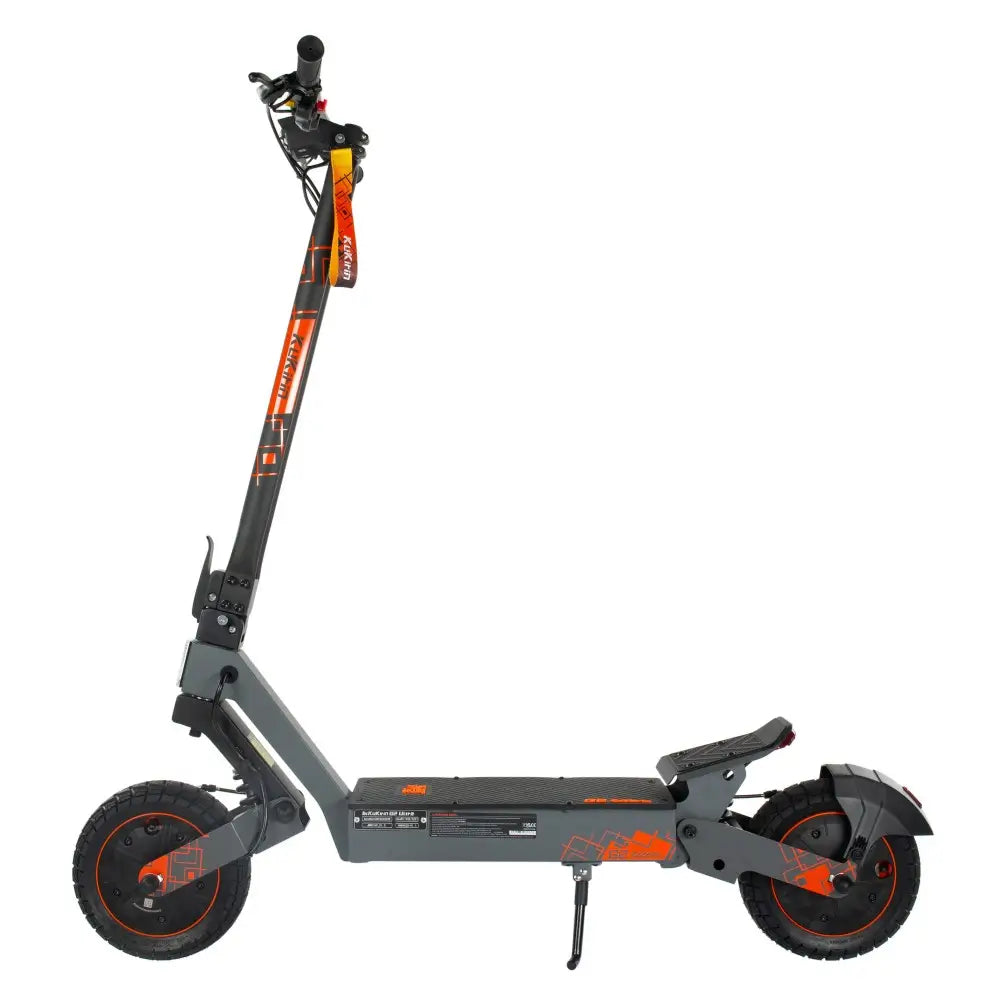
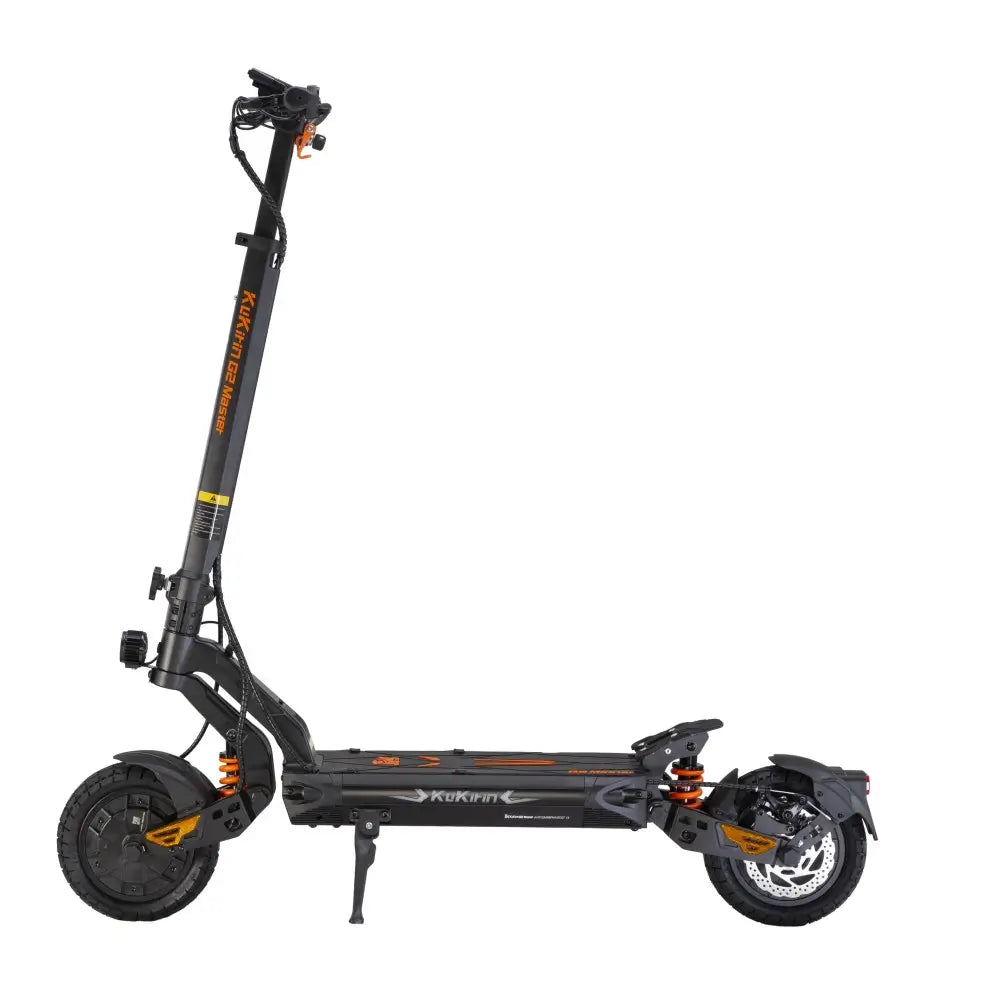
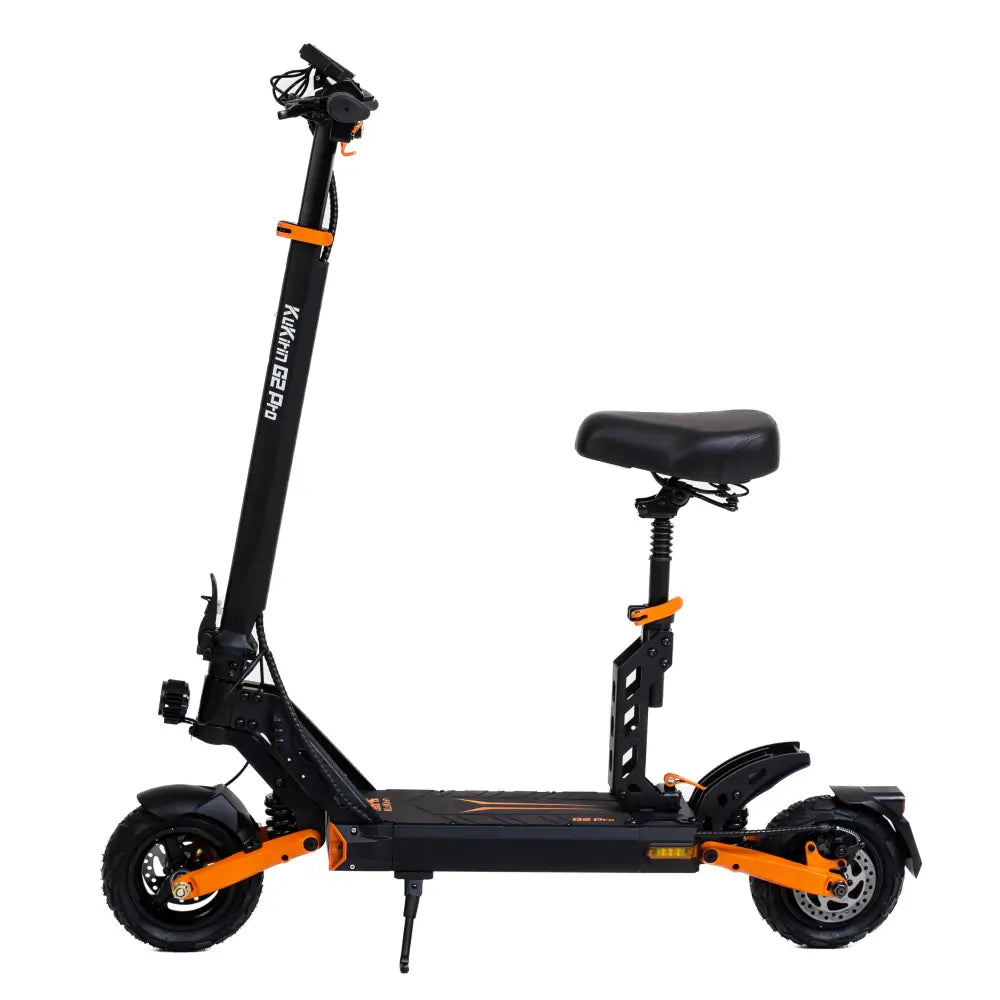
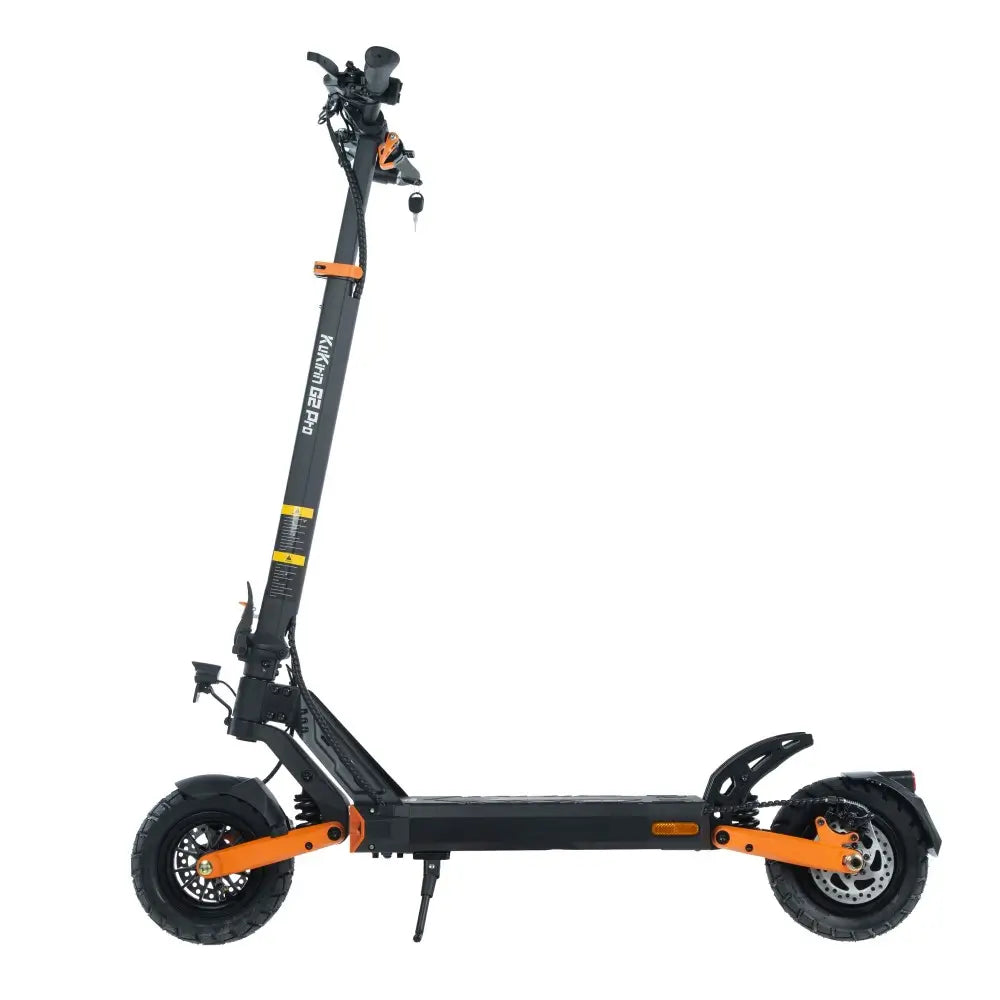
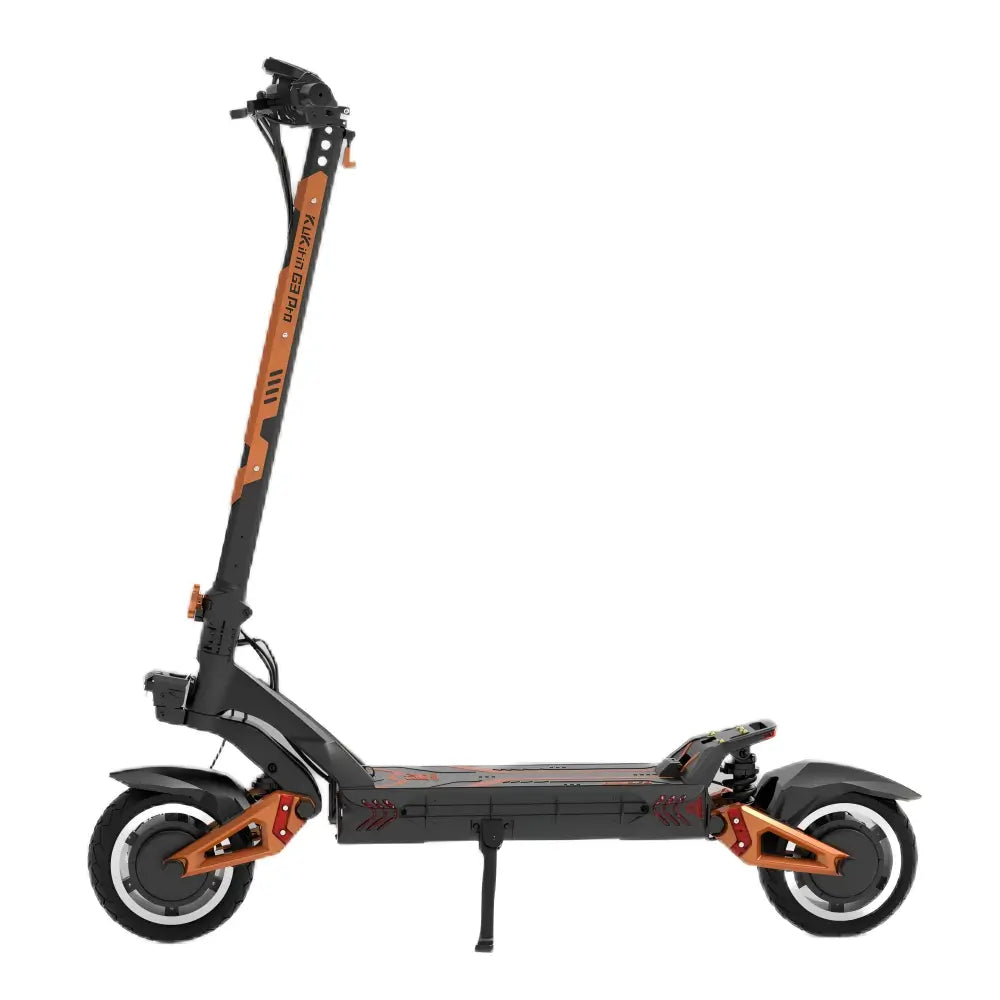
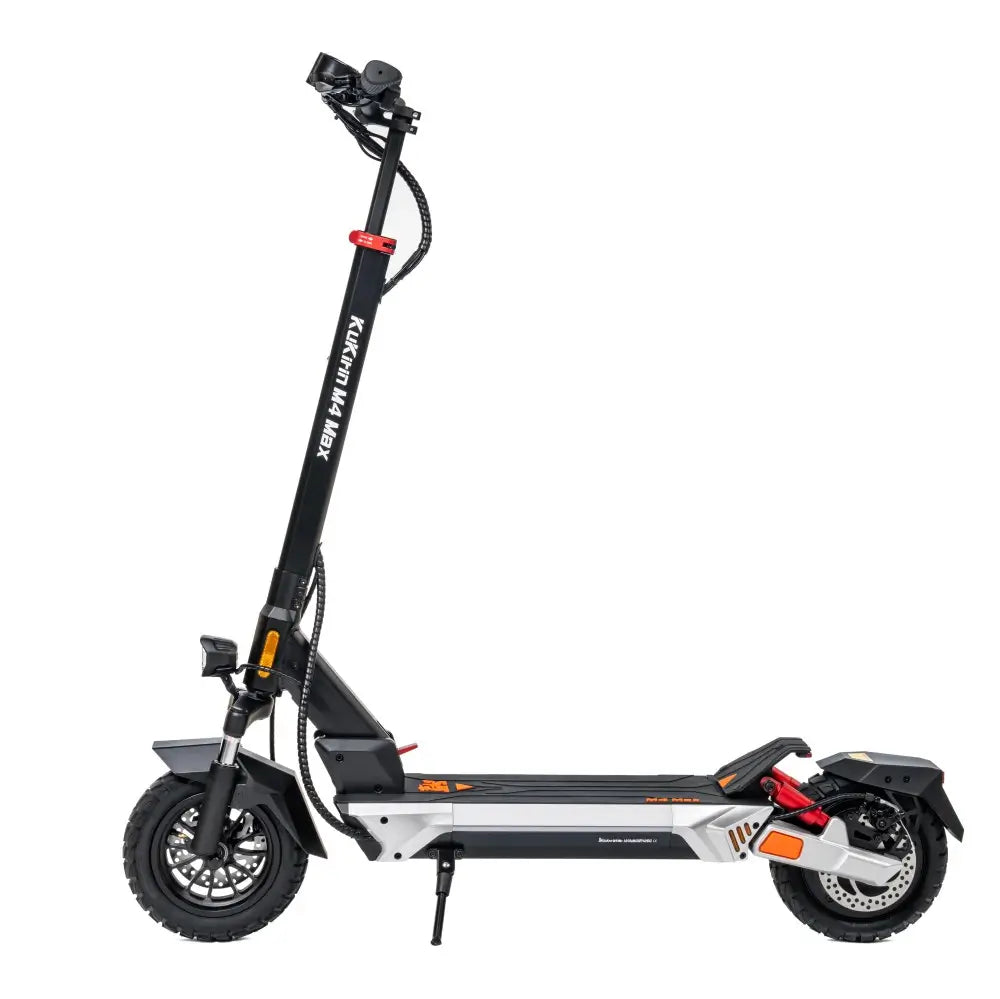
This comprehensive guide covers the six most frequent electric scooter problems reported by UK riders. Whether you own a KuKirin G2, G2 Master, G2 Ultra, G4, G4 Max, or any other model, these practical solutions will keep you rolling.
Why Do Electric Scooters Develop Problems?
Before diving into fixes, understand that e-scooters face unique stresses:
-
Vibrations from uneven UK roads (potholes, cobblestones, speed bumps)
-
Weather exposure (rain, humidity, temperature changes)
-
Wear and tear on moving parts (brakes, folding joints, bearings)
-
Battery chemistry (lithium cells degrade over time)
Regular maintenance prevents most issues. But when problems appear, here's what to do.
Problem 1: Reduced Battery Range (Scooter Doesn't Go as Far)
Symptoms:
-
Your scooter used to do 40km, now only 25km
-
Battery percentage drops quickly
-
Sudden power loss on hills
-
Charging seems faster than before
Why This Happens:
| Cause | Explanation | Affected Models |
|---|---|---|
| Cold weather | Lithium batteries lose 20-40% range below 10°C | All KuKirin models |
| Low tire pressure | Under-inflated tires increase rolling resistance | All models |
| Battery age | Capacity decreases after 300-500 charge cycles | All models |
| Frequent full discharges | Draining to 0% damages cells | All models |
| Storage at 100% | Keeping fully charged degrades battery faster | All models |
| Riding style changes | More hills, headwinds, or higher speeds | All models |
How to Fix & Prevent:
Check tire pressure first — this is the most overlooked cause:
-
KuKirin G2, G2 Ultra: 220-230 kPa (32-33 psi)
-
KuKirin G2 Master: 350 kPa (50 psi)
-
KuKirin G4, G4 Max: 350 kPa (50 psi) (G4 Max: 282 kPa/41 psi)
-
Use the included pump or a reliable pressure gauge
-
Check monthly (weekly is better for UK weather)
Adjust your charging habits:
-
Keep battery between 20% and 80% for daily use
-
Charge to 100% only before long rides
-
Avoid draining completely to 0%
-
Don't leave scooter charging overnight
Cold weather tips (for UK winters):
-
Store and charge battery indoors (10-25°C)
-
Expect 30-40% less range below 5°C
-
Ride at lower speeds to conserve power
When to replace the battery:
-
After 2-3 years or 500+ cycles
-
If range is less than 60% of original
-
Contact [KuKirin UK Official] (#) for genuine replacement batteries
Pro tip: KuKirin models with the longest range: C1 Pro (100km), G4 Max (95km), G2 Master (70km), G4 (75km).

Problem 2: Battery Won't Charge or Charger Issues
Symptoms:
-
Charger light stays green when connected
-
No light on charger at all
-
Battery percentage doesn't increase
-
Scooter turns on but shows low battery
-
Charger gets extremely hot
Why This Happens:
| Cause | Solution |
|---|---|
| Loose charging port connection | Check and reseat |
| Damaged charger | Replace with original KuKirin charger |
| Blown fuse | Some models have inline fuses |
| Battery management system (BMS) lock | Safety lock after over-discharge |
| Controller failure | Professional repair needed |
How to Fix:
Step 1: Diagnose the charger
-
Plug charger into wall (not scooter)
-
Indicator light should be green (standby)
-
If no light, try a different outlet
-
If still no light, charger is dead — replace it
Step 2: Check the charging port
-
Inspect for bent pins or debris
-
Gently clean with compressed air or toothpick
-
Ensure rubber cover isn't blocking connection
Step 3: "Wake up" a locked battery
-
If battery was drained to 0%, BMS may lock
-
Leave charger connected for 15-30 minutes
-
BMS often resets automatically
-
For some models, briefly connect and disconnect 2-3 times
Step 4: Check connections inside the deck
-
Remove deck screws (requires Allen wrench)
-
Locate battery connector to controller
-
Ensure it's firmly seated
-
Look for loose or burnt wires
Important Safety Warnings:
-
Never leave a charging scooter unattended overnight
-
Always use the original KuKirin charger (different voltages: 42V, 54.6V, 58.8V, 67.2V)
-
Never charge a swollen or damaged battery
-
Stop immediately if charger or battery becomes hot

Problem 3: Loss of Power or Weak Climbing
Symptoms:
-
Scooter struggles on hills it used to climb easily
-
Slower acceleration than before
-
Top speed feels reduced
-
Scooter feels "tired"
Why This Happens:
| Cause | Explanation | Affected Models |
|---|---|---|
| Low battery voltage | Power output drops as battery drains | All models |
| Cold battery | Lithium cells provide less power when cold | All models |
| Speed limit mode activated | May be accidentally enabled | G2, G2 Ultra, G2 Master, G4, G4 Max |
| Single/dual drive mode (if applicable) | Dual-drive models may be in single-drive mode | G2 Master (dual), G4 Max (dual) |
| Controller issue | Rare but possible | All models |
How to Fix:
Step 1: Check battery level
-
Below 30%? Power output naturally decreases
-
Charge fully and test again
Step 2: Check speed limit mode
-
On most KuKirin models: Hold brake lever and double-click power button
-
On G2 Ultra: Hold left brake and click power button 4+ times
-
When speed limit mode is active, the scooter is capped at 25km/h
-
Repeat the action to disable
Step 3: Check drive mode (dual-motor models)
-
KuKirin G2 Master and G4 Max have single/dual drive modes
-
Single drive uses only the rear motor (less power, more range)
-
Dual drive uses both motors (full power for hills)
-
Switch via the display menu or mode button
Step 4: Warm up the battery
-
If riding in cold weather (below 10°C)
-
Store scooter indoors before riding
-
First few minutes of riding will warm the battery
Step 5: Check tire pressure
-
Low pressure dramatically reduces climbing ability
-
Inflate to recommended PSI (see Problem 1)
Model-specific climbing abilities:
G2 Master (dual 1000W): Up to 28° slopes
G4 Max (dual 1600W): Up to 38° slopes
G4 (2000W single): Up to 30° slopes
G2 Ultra (dual 800W): Up to 26° slopes

Problem 4: Brake Noise, Weak Braking, or Squeaking
Symptoms:
-
High-pitched squeal when braking
-
Grinding or scraping sounds
-
Reduced stopping power
-
Brake lever feels spongy or pulls too far
Why This Happens:
| Cause | Description |
|---|---|
| Dust and debris | Brake pads collect dirt from UK roads |
| Worn brake pads | Pads thin out after 500-1000km |
| Misaligned caliper | Brake rubs against disc unevenly |
| Loose brake cable | Cable stretches over time |
| Glazed pads | Overheating creates hard surface |
How to Fix:
Step 1: Clean the brake disc and pads
-
Use isopropyl alcohol and a clean cloth
-
Wipe both sides of the disc thoroughly
-
Lightly sand glazed pads with fine sandpaper (100-150 grit)
Step 2: Adjust brake caliper position
-
Loosen the two mounting bolts slightly
-
Spin the wheel and squeeze the brake lever
-
While holding the lever, tighten the bolts
-
Release and test — the wheel should spin freely
Step 3: Tighten brake cable (mechanical disc brakes)
-
Locate the barrel adjuster on the brake lever or caliper
-
Turn it counterclockwise to increase cable tension
-
Test braking feel — 1-2cm of lever travel before engagement is ideal
Step 4: Replace worn brake pads
-
Remove the old pads using an Allen wrench
-
Insert new pads (KuKirin uses standard sizes)
-
Re-center the caliper as in Step 2
Brake Specifications by Model:
| Model | Brake Type | Brake Distance |
|---|---|---|
| G2 | Dual disc + e-brake | 4-10m |
| G2 Ultra | Dual disc + e-brake | 6-12m |
| G2 Master | Dual disc + e-brake | 6-12m |
| G4 | Dual disc + e-brake | 7-10m |
| G4 Max | Four-piston hydraulic + e-brake | 6-10m |
When to seek professional help: If you've tried all steps and brakes still feel weak, or if brake fluid is leaking (hydraulic brakes on G4 Max), visit a service centre.

Problem 5: Flat Tires or Frequent Pressure Loss
Symptoms:
-
Visible flat or squishy tyre
-
Scooter feels sluggish or wobbly
-
Strange vibration while riding
-
Needing to pump tyres every few days
Why This Happens:
| Cause | Solution |
|---|---|
| Puncture | Nail, glass, or sharp object on UK roads |
| Pinch flat | Hitting a pothole or curb with low pressure |
| Valve leak | Damaged or loose valve core |
| Bead leak | Tyre not seated properly on rim |
| Temperature change | Cold weather lowers pressure naturally |
Tyre Types by Model:
| Model | Tyre Type | Size | Pressure |
|---|---|---|---|
| G2 | Vacuum (tubeless) | 10" | 220-230 kPa |
| G2 Ultra | Vacuum (tubeless) | 10" | 220-230 kPa |
| G2 Master | Pneumatic | 10" (255×80mm) | 350 kPa (50 psi) |
| G4 | Vacuum (tubeless) | 11" | 350 kPa (50 psi) |
| G4 Max | Pneumatic off-road | 12" | 282 kPa (41 psi) |
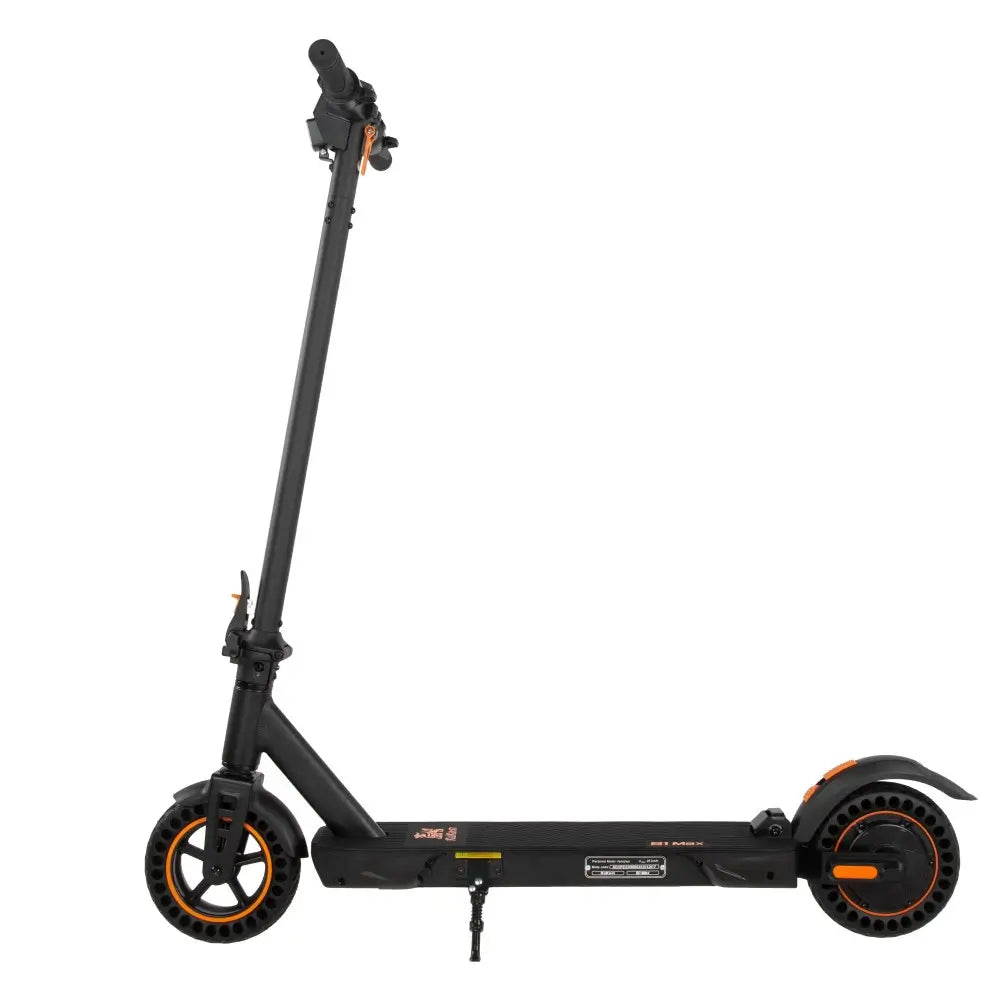
| S1 Max | Solid honeycomb | 8" | N/A (puncture-proof) |
How to Fix:
For minor pressure loss:
-
Inflate to recommended PSI (check your model's specs)
-
Use soapy water to find leaks — bubbles indicate the source
-
Tighten valve core with a valve tool
For punctures (vacuum/tubeless tyres):
-
Leave the object in place if it's still embedded
-
Inflate the tyre — sealant may close the hole
-
For larger punctures, use a tyre plug kit
-
Replace tyre if sidewall is damaged
For punctures (pneumatic tyres with tubes):
-
Remove the wheel (typically 4-6 bolts)
-
Extract the inner tube
-
Patch the hole or replace the tube
-
Reinstall carefully to avoid pinching
Prevention tips:
-
Check pressure weekly — especially important for UK roads
-
Avoid riding over glass or debris
-
For puncture-proof peace of mind: KuKirin S1 Max has solid honeycomb tyres

Problem 6: Display Issues or Error Codes
Symptoms:
-
Screen blank or flickering
-
Error code appears (E0, E1, E2, E3, etc.)
-
Speed reading incorrect
-
Buttons unresponsive
Common KuKirin Error Codes:
| Code | Meaning | Quick Fix |
|---|---|---|
| E0/E001 | Motor hall sensor failure | Check motor cable connection |
| E1 | Over-voltage | Replace battery |
| E2/E005 | Under-voltage | Charge battery |
| E3/E003 | Controller failure | Replace controller (professional) |
| E4 | Throttle malfunction | Check throttle cable |
| E5 | Brake failure | Check brake cable connection |
| E6-E7 | Communication error | Check display-controller cable |
| E9 | Controller over-temperature | Allow to cool, check ventilation |
Display Settings by Model:
| Model | Display Type | Key Functions |
|---|---|---|
| G2 | LED touch | Set, Mode, Light buttons |
| G2 Ultra | LED touch | Turbo, Set, Cruise, Mode, Power |
| G2 Master | LCD | P-menu: P1-PC settings |
| G4 | LED | Click set for units, long press for start mode |
| G4 Max | LCD | P-menu: speed limit, start force, brake force |
How to Fix Display Issues:
For blank screen:
-
Check that scooter powers on (motor should beep)
-
Inspect display cable connection in the stem
-
Reseat the connector if loose
For error codes:
-
Turn scooter off and on again — some codes clear
-
Check all visible cable connections
-
Charge the battery fully
-
If code persists, consult your model's manual
How to access settings (G2 Master, G4 Max):
-
Press power button three times in a row
-
Navigate using power button
-
P1: km/mile | P2: voltage | P3: wheel diameter | P6: zero/non-zero start | P8: auto sleep | PA: start force | PB: brake force

Maintenance Schedule: Keep Problems Away
| Frequency | Task |
|---|---|
| Before each ride | Check tyre pressure, test brakes |
| Weekly | Wipe down scooter, inspect for loose screws |
| Monthly | Clean brake discs, check folding mechanism tightness |
| Every 3 months | Lubricate folding joints, check all bolts |
| Every 6 months | Professional inspection (brakes, bearings, battery health) |
| As needed | Replace brake pads, tyres, charge battery |
Frequently Asked Questions (FAQ)
Q1: How often should I replace my electric scooter's brake pads?
A: Every 500-1000km depending on riding style. Stop-and-go city riding wears pads faster. Replace when pad material is less than 1mm thick. KuKirin G4 Max with hydraulic brakes typically lasts longer between changes.
Q2: Can I ride my KuKirin scooter in the UK rain?
A: Yes. All KuKirin models have IP54 or IPX4 water resistance — fine for light rain and splashes. Avoid heavy downpours, deep puddles, and never pressure-wash. The 2026 G2 has an IPX7 controller (can survive immersion).
Q3: Why does my battery range decrease in winter?
A: Lithium batteries are chemical devices. Cold temperatures slow down the chemical reactions, reducing available power. At 0°C, expect 30-40% less range. Store and charge the battery indoors (10-25°C) for best performance.
Q4: What is the real-world range of different KuKirin models?
A: Based on 65-75kg rider, mixed terrain:
-
C1 Pro: ~100km (longest range)
-
G4 Max: ~95km
-
G4: ~75km
-
G2 Master: ~70km
-
G2: ~55km
-
G2 Ultra: ~55km (Eco mode), ~35-50km (Turbo)
-
A1: ~45km
-
S1 Max: ~39km
Q5: How do I know if my tyres need air?
A: Press your thumb into the tyre — it should feel firm, not squishy. Use a pressure gauge for accuracy. Different KuKirin models require different pressures (220-350 kPa / 32-50 psi). Check your model's specifications.
Q6: My scooter makes a clicking noise when I ride. What is it?
A: Common causes: loose folding mechanism screws, loose mudguard, debris in wheel, or worn bearings. Start by checking and tightening all visible screws. If noise persists, check mudguard clearance. For bearing noise, professional service may be needed.
Q7: Can I leave my scooter charging overnight?
A: Not recommended. While KuKirin chargers have overcharge protection, it's safer to unplug when fully charged (green light). Charging overnight increases wear on the battery over time.
Q8: What should I do if I get an error code I don't recognise?
A: Consult your model's manual. For KuKirin scooters, common codes include E0 (motor), E2 (battery low), E3 (controller), E4 (throttle), and E5 (brake). If the code persists after basic troubleshooting, contact [KuKirin UK Official customer support] (#) .
Q9: How long do KuKirin scooter batteries last?
A: Typically 2-4 years or 500-800 charge cycles before significant capacity loss. Proper care (charging between 20-80%, avoiding extreme temperatures) extends lifespan. Models with larger batteries (C1 Pro 26Ah, G4 Max 35.2Ah) may last longer due to fewer full cycles.
Q10: Where can I buy genuine KuKirin replacement parts in the UK?
A: Purchase directly from [KuKirin UK Official] for genuine batteries, chargers, brake pads, tyres, and other components. Avoid third-party parts which may not meet safety standards.
Q11: What is speed limit mode and how do I turn it off?
A: Speed limit mode caps the scooter at 25km/h to comply with UK road regulations. To disable:
-
Most models: Hold brake lever and double-click power button
-
G2 Ultra: Hold left brake and click power button 4+ times
Disable only for off-road or private land use.
Q12: How do I switch between single and dual drive (G2 Master, G4 Max)?
A: Use the display menu. On G2 Master, navigate to the drive mode setting. Single drive uses only the rear motor (better range), dual drive uses both motors (full power for hills). Switch based on your riding conditions.
When to Seek Professional Help
While many problems are DIY-friendly, some require professional attention:
| Situation | Action |
|---|---|
| Battery not holding charge after replacement | Could be controller or BMS issue |
| Motor making grinding noise | Internal bearing or magnet damage |
| Hydraulic brake leak (G4 Max) | Requires special tools and fluid |
| Cracked frame or folding mechanism | Safety-critical — stop riding immediately |
| Error codes after trying all fixes | Professional diagnostic needed |
Contact [KuKirin UK Official service centre] (#) for warranty service or professional repairs.
Summary: Keep Your KuKirin Scooter Running Smoothly
Most electric scooter problems are preventable with regular maintenance and easily fixable when they occur:
| Problem | Prevention | Quick Fix |
|---|---|---|
| Low range | Maintain tyre pressure, charge wisely | Check pressure first, warm battery |
| Charging issues | Use original charger, avoid full discharge | Check connections, wake BMS |
| Weak climbing | Keep battery above 30%, check drive mode | Disable speed limit, use dual drive |
| Brake noise | Clean discs monthly | Clean pads, adjust caliper |
| Flat tyres | Check pressure weekly | Plug puncture or replace tube |
| Error codes | Keep firmware updated | Power cycle, check cables |
The bottom line: A well-maintained electric scooter is a reliable electric scooter. Follow this guide, and your KuKirin will serve you for years of UK commuting — from London to Manchester, from Bristol to Birmingham.
Need genuine replacement parts? Visit the [KuKirin UK Official shop] for batteries, chargers, brake pads, tyres, and more.
Leave a comment