






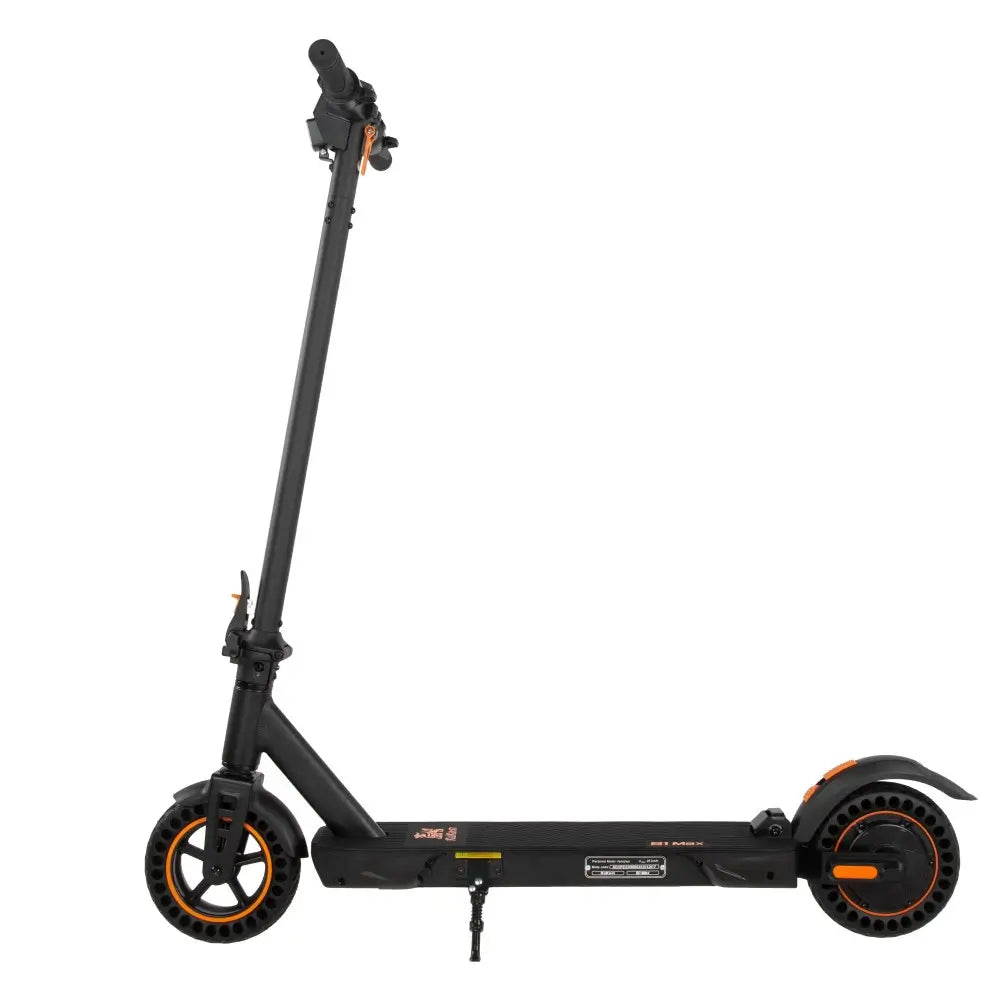

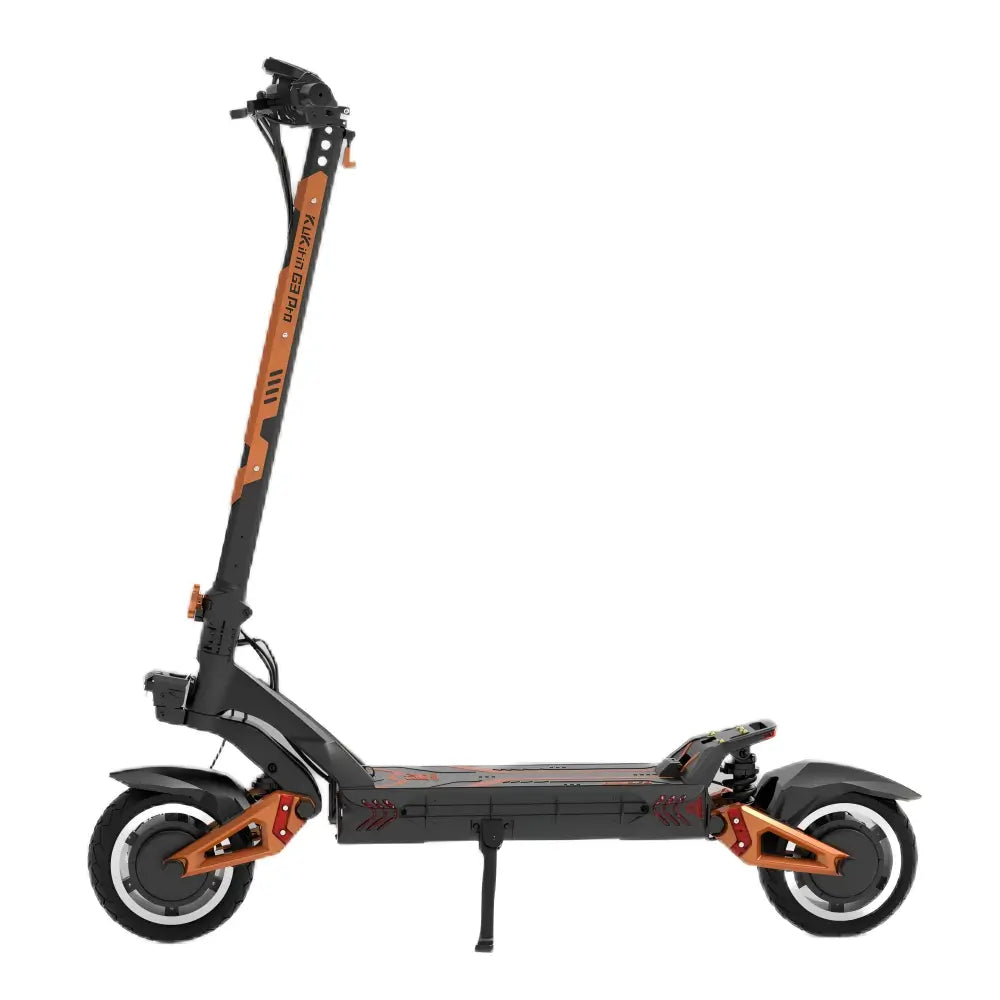
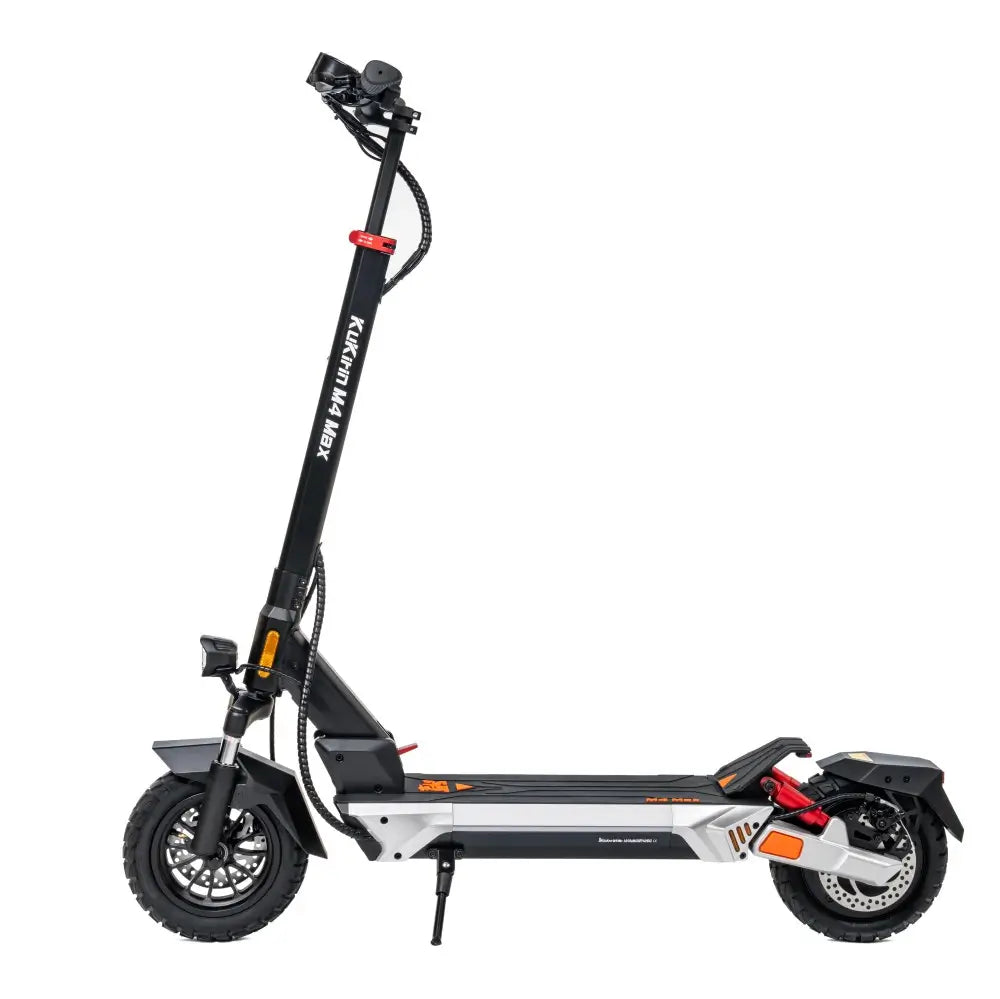





Dashboard Too Complicated? A Step‑by‑Step Guide to Setting Up Your KuKirin G2 Master’s P1–PC Menu

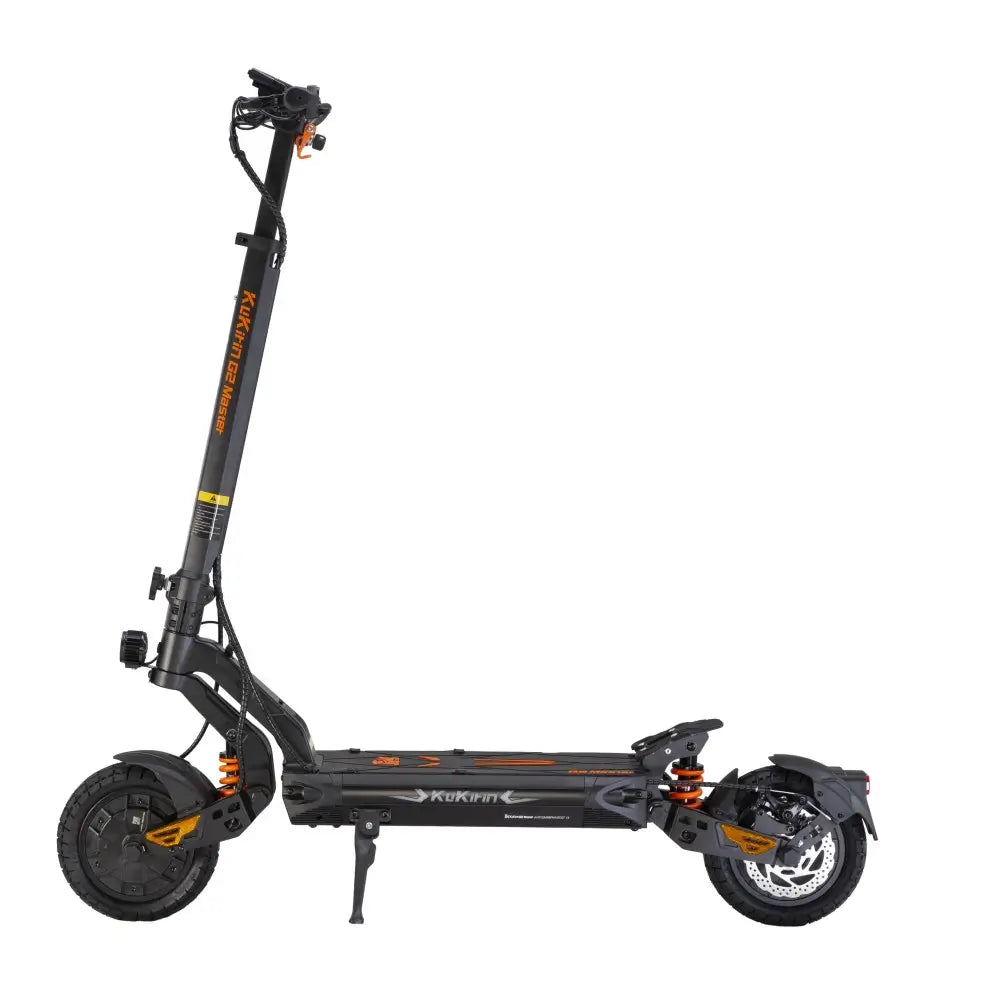
The KuKirin G2 Master is a beast of a scooter – dual 1000W motors, 60 km/h top speed, hydraulic suspension, and a range of up to 70 km. But when you first look at the LCD dashboard and its P‑menu system, it can feel overwhelming.
Don’t worry. I’ll walk you through every setting from P1 to PC so you can tune your G2 Master like a pro.
🔧 How to Enter the Settings Menu
-
Power on your G2 Master (insert and turn the key, then press and hold the power button for 3 seconds).
-
Press the power button 3 times in a row – this brings you into the menu.
-
The display will show codes like P1, P2, etc.
-
Use the power button to cycle through menus, and the mode button (or short press power) to change values.
-
Long press the power button to save and exit, or simply turn the scooter off.
📋 Complete P1–PC Menu Explained
| Code | What It Controls | Options | Recommended Setting |
|---|---|---|---|
| P1 | Speed unit |
0 = km/h, 1 = mph
|
0 (km/h for most)
|
| P2 | Voltage level | Based on battery (52V) |
52 (fixed for G2 Master)
|
| P3 | Wheel diameter | Adjust for speedo accuracy |
10 inches (255mm)
|
| P4 | Magnetic pole pairs | Usually 15–30 | Check manual or motor label (default ~15) |
| P5 | Cruise control |
0 = off, 1 = on
|
1 (great for long rides)
|
| P6 | Start mode |
0 = zero start, 1 = non‑zero start
|
0 (safer) or 1 (prevents jerky starts)
|
| P8 | Auto sleep timer | Minutes before display sleeps |
5 (default, saves battery)
|
| PA | Start force | 1–5 (higher = more aggressive) |
2 or 3 (smooth but responsive)
|
| PB | Brake force (e‑brake) | 1–5 (higher = stronger regen) |
3 (balanced)
|
| PC | Reset total mileage |
1 = reset (irreversible)
|
0 (unless you want to clear)
|
⚠️ PC resets your odometer permanently – only use if necessary.
🚦 Speed Limit Mode (Quick Tip)
To toggle speed limit mode:
Hold the brake lever and double‑click the power button.
-
Border icon flashes = speed limit active (default ≤25 km/h for EU compliance).
-
No flash = full performance (up to 60 km/h).
This is great for switching between street‑legal mode and private‑land mode.
🧠 My Recommended Settings for Most Riders
| Setting | Value |
|---|---|
| P1 (units) | 0 (km/h) |
| P3 (wheel) | 10 |
| P5 (cruise) | 1 (on) |
| P6 (start) | 1 (non‑zero) |
| PA (start force) | 2 |
| PB (brake force) | 3 |
These settings give you a smooth ride, accurate speed reading, and safe but responsive braking.
❓ No Background Settings? No Problem.
The manual says “no background settings” – that just means you can’t change themes or colors.
What you can adjust through the P‑menu are the core riding parameters that actually matter.
✅ Final Thoughts
The KuKirin G2 Master’s dashboard may look complex at first, but the P1–PC menu is logically organized and once you’ve set it up once, you’ll rarely need to go back in.
Spend 5 minutes configuring these settings, and your scooter will ride exactly the way you want – smoother, safer, and more fun.
Have questions about a specific P‑code? Drop a comment below or check your manual’s “Instrument” section (page 8 in the English manual).
Leave a comment